Native iPhone and iPad apps in Swift and SwiftUI — fast, accessible and built the way Apple intended, so they feel at home on the platform from day one.
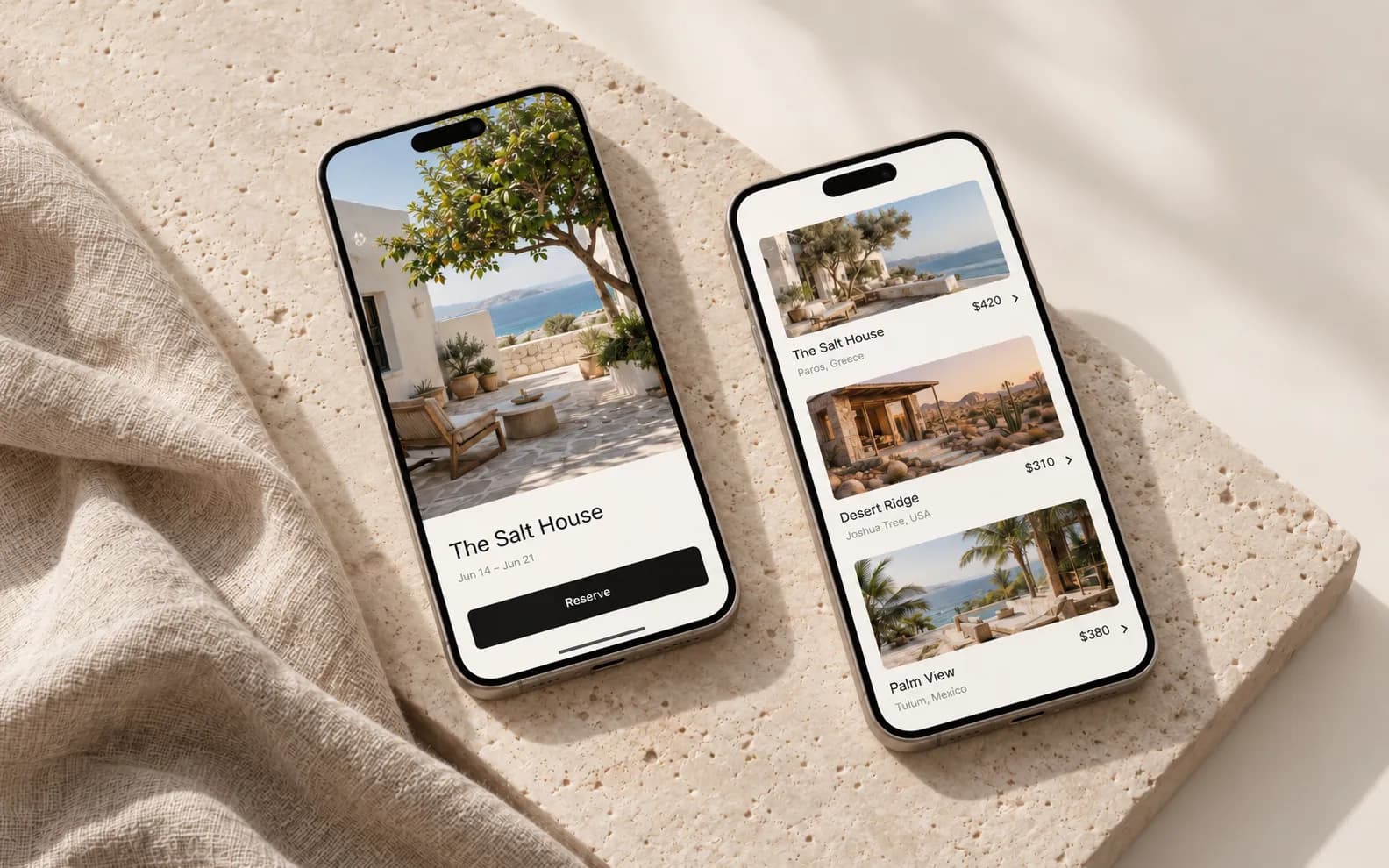
From the Maison case study
A good fit for
- Products that depend on deep iOS features or hardware access
- Premium consumer apps where feel and performance matter most
- Teams adding a native iOS app next to an existing web product
Tools I use
Swift · SwiftUI · UIKit · Combine · Core Data / SwiftData · StoreKit 2 · XCTest
Native SwiftUI interfaces
Fluid, accessible screens that follow Apple’s Human Interface Guidelines without looking generic.
Platform features
Widgets, Live Activities, Sign in with Apple, Apple Pay, HealthKit, push notifications and more.
Offline-first data
Local storage and quiet background sync, so the app keeps working without a signal.
Performance & polish
Smooth 120Hz scrolling, careful memory use and the small transitions people notice.
TestFlight & App Store
Builds every week during development, then signing, listings and App Review handled for you.
Documentation
Clean, documented code in your own repository — easy to hand to a future team.
Have an app idea? Get a free, fixed-scope estimate.
- Reply within one business day
- No obligation
- You own the code
- 01Week 1
Understand
We talk through the idea, who it’s for and what success looks like.
- 02Weeks 2–3
Shape
Flows, wireframes and a clickable prototype, while decisions are still cheap.
- 03Weeks 4–10
Build
Design and engineering in short cycles, with a fresh test build most weeks.
- 04Ongoing
Launch & stay
Store release, monitoring and steady improvements once real users arrive.
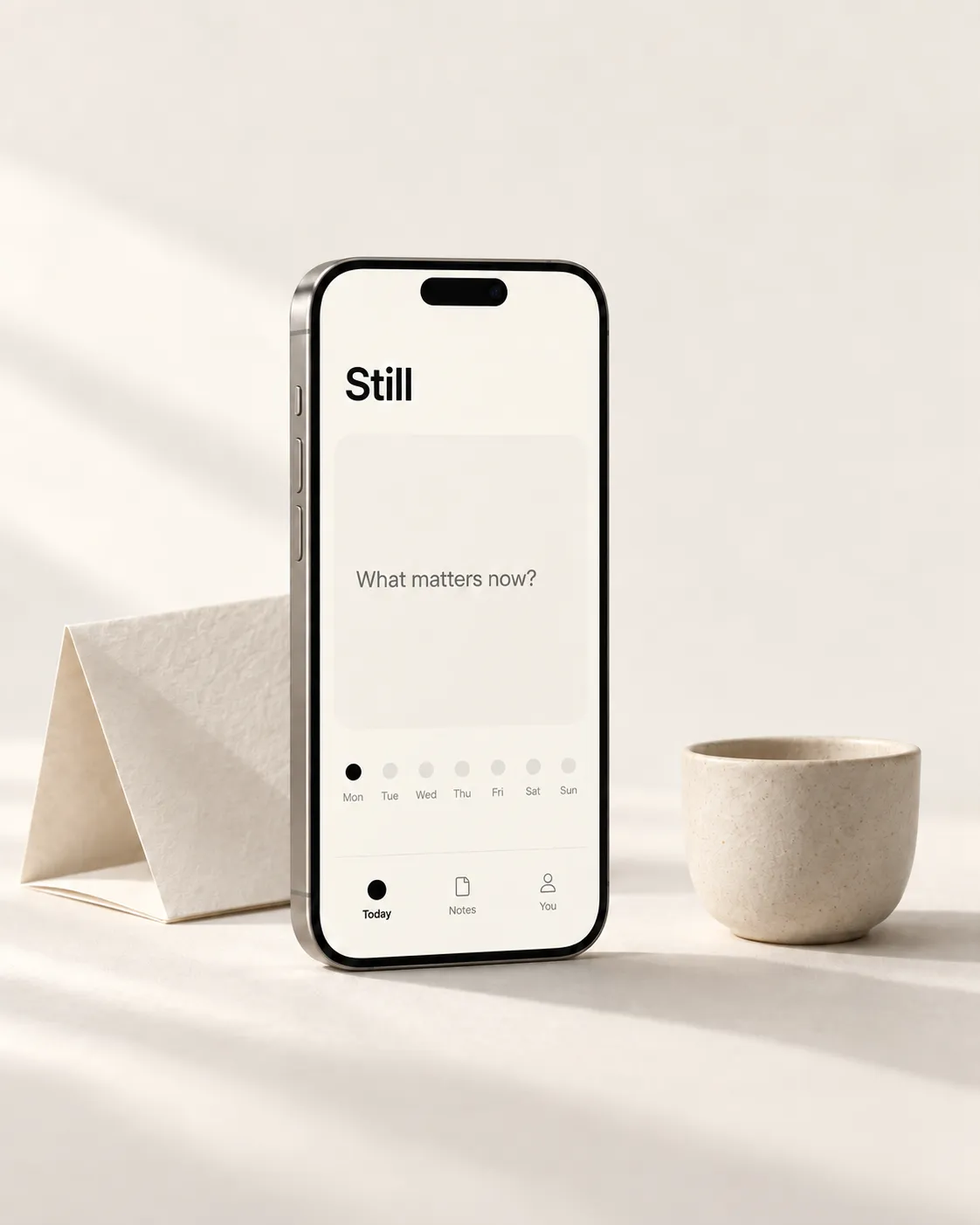
A focused first version usually takes 8–12 weeks from kickoff to App Store, including design. Smaller apps can be quicker; complex products are split into phases.
If you need both iOS and Android soon, Flutter or React Native is usually the better value. Native Swift makes sense when the product leans heavily on Apple-specific features or needs the very best performance.
Yes. I handle certificates, TestFlight, the store listing, screenshots and App Review, using your Apple Developer account so you always own the app.
Yes — through a monthly care plan covering iOS updates, crash fixes, small improvements and new features.