Every few weeks a founder asks me the same question on a discovery call: Flutter or React Native? I design and build mobile apps for a living, most of my shipped work is in Flutter, and I've also built a native Android app that crossed 500,000 downloads. So I have opinions, and a lean toward Flutter that I'll be upfront about.
This is the answer I give founders and CTOs who are choosing a stack for a real product. It's not a coding tutorial, and it tries to be fair to both.
The short answer
Pick Flutter if you want a custom, design-heavy app that looks the same on iOS and Android, and you don't already have a JavaScript team. Pick React Native if your company already writes React and TypeScript, you want to share code with a web app, or you want to push fixes over the air with Expo.
Pick neither and go native in Swift or Kotlin when the app lives or dies on one platform's hardware, media or background features. That's rarer than people think, but it does happen.
If you only remember one thing: the deciding factor is usually your team and your UI, not raw performance. Both frameworks are fast enough for almost every app founders bring me.
How each one actually works
Flutter: Dart and its own rendering engine
Flutter apps are written in Dart. Instead of using the phone's built-in buttons and lists, Flutter draws every pixel itself with its own engine, Impeller, which is now the default renderer on both iOS and Android. Release builds compile Dart ahead of time into native machine code.
Drawing everything yourself gives you control. A screen looks the same on a cheap Android phone and the newest iPhone, and custom designs don't fight the platform. The trade-off is that Flutter recreates the native look rather than inheriting it, so an app that should feel exactly like stock iOS takes deliberate work.
React Native: TypeScript with real native components
React Native apps are written in JavaScript, which in practice now means TypeScript, using React. Your components map to real native views, so a list on iOS is backed by iOS's own views. The code runs on Hermes, a JavaScript engine built for mobile.
The new architecture, the default since late 2024, removed the old asynchronous bridge. JSI lets JavaScript call native code directly, Fabric handles rendering and TurboModules load native code on demand. That fixed most of the jank people remember from older React Native apps. Expo has also become the standard way to start a project, and the React Native docs recommend it.
Flutter vs React Native, side by side
| Factor | Flutter | React Native |
|---|---|---|
| Performance | Compiled to native code with its own renderer. Very smooth with heavy custom UI and animation. | Very good on the new architecture. Long lists and complex gestures need care (Reanimated, FlashList). |
| UI consistency | Identical on both platforms by default. | Uses native components, so it feels native but can differ slightly between iOS and Android. |
| Development speed | Fast. Hot reload and a large built-in widget set mean fewer third-party pieces to pick. | Fast, especially with Expo. Faster still if your team already knows React. |
| Hiring pool | Smaller but growing. Dart is easy for any experienced developer to pick up. | Larger. Most React developers become productive within weeks. |
| Ecosystem | pub.dev is solid, and core plugins like Firebase and maps are well maintained. | npm is huge but quality varies. Expo modules cover most common needs. |
| Web and desktop | Web, Windows, macOS and Linux from one codebase. Good for logged-in tools, weak for SEO-heavy sites. | Web through React Native Web, desktop through Microsoft's ports. Many teams share logic with a Next.js site instead. |
| App size | Adds a few MB for the engine. Rarely a real problem now. | Adds a few MB for Hermes and the runtime. Similar in practice. |
| Over-the-air fixes | Possible with third-party tools like Shorebird, not built in. | EAS Update ships JavaScript fixes in minutes, within store rules. |
| Long-term maintenance | Fewer dependencies and fairly predictable upgrades. | Easy with Expo. Bare projects with many native libraries can be painful to upgrade. |
Look at how few rows are a clear win. The real gaps are UI consistency, which favours Flutter, and hiring pool, web code sharing and over-the-air updates, which favour React Native. Everything else is close enough that it shouldn't drive the decision.
When I pick Flutter
Flutter is my default for new apps that need iOS and Android at launch, which is what most startups I work with need. It's the right call when:
- The design is the product. Custom dials, charts, animated cards and branded components. Flutter draws them once and they look right everywhere.
- There's no existing JavaScript team. If you're hiring from scratch or outsourcing, Flutter's batteries-included setup means fewer decisions and fewer dependencies to babysit.
- A lot of your users are on budget Android phones. In India especially, that's most of your audience. Compiled code and consistent rendering hold up well on those devices.
- You might want an admin panel or internal tool later. Flutter web is fine for logged-in tools, even if I wouldn't build a marketing site with it.
If that sounds like your app, my page on Flutter app development explains how I run these projects, from design to both store releases.
When React Native is the better choice
I recommend React Native when the situation favours it, and that happens more often than Flutter fans like to admit.
- Your team already writes React or TypeScript. This is the big one. Your web developers can review, fix and extend the app, and you're not hiring for a second language.
- You have a web app to share code with. API clients, validation, types and business rules can live in one package used by both your Next.js site and the app.
- You need to ship small fixes fast. Expo's EAS Update pushes JavaScript fixes to users without waiting for App Review, within Apple's and Google's rules.
- The app should feel like stock iOS and stock Android. Because React Native uses real native components, platform conventions come for free.
If one of those describes you, have a look at React Native app development. I'll tell you on the first call if I think your app belongs there rather than in Flutter.
When to skip both and build native
Cross-platform isn't always the answer. I'd build fully native, Swift for iOS and Kotlin or Java for Android, when:
- The core feature depends on deep platform APIs: video playback, background audio, Bluetooth hardware, HealthKit, widgets or Live Activities.
- Nearly all your users are on one platform, so sharing code saves you very little.
- Performance is the product itself: a streaming app, a camera app, a game-like interface.
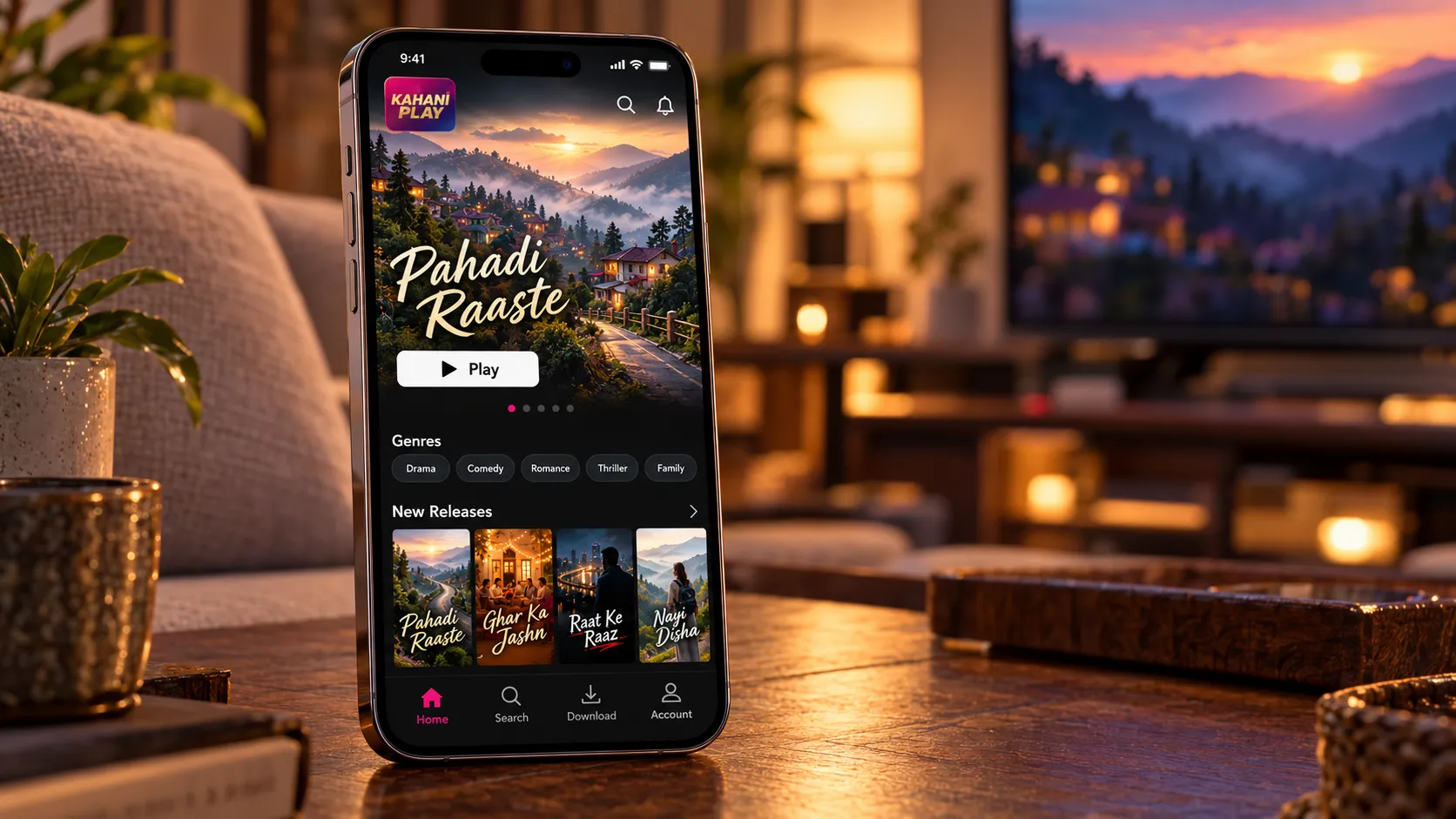
Kahani Play is a good example. It's an Indian streaming app for movies, web series, live TV and short reels, and I built it natively for Android in Java. Playback runs on ExoPlayer with adaptive HLS and DASH streams, so video starts quickly and adjusts to patchy mobile data. It also has Chromecast support, offline downloads stored with Room, and seven payment options from UPI to cards.
The audience was overwhelmingly on Android, and video playback was the whole product. Putting a cross-platform layer in between would have added risk for no real saving. It has since passed 500,000 downloads and more than 70 releases. The Kahani Play case study has the details, and my native Android app development page covers how I approach these builds.
Flutter and React Native can both drop into Swift or Kotlin for one feature. Going fully native only makes sense when that one feature is most of the app.
What the choice does to cost and timeline
The biggest cost decision isn't Flutter versus React Native. It's one codebase versus two. A cross-platform app is one set of screens, one set of business logic and one round of testing. Two native apps mean building most things twice and maintaining them twice.
Between Flutter and React Native, the difference for the same scope is small. What actually moves the number is whether your team already knows one of them, and how many native integrations the app needs.
| Approach | Codebases | Build effort | Ongoing upkeep |
|---|---|---|---|
| Flutter | 1 | Baseline | One app to update |
| React Native | 1 | About the same as Flutter | One app, plus JavaScript dependency upkeep |
| Native iOS + native Android | 2 | Often 1.5x to nearly 2x | Two apps and two release cycles |
For actual numbers, I've written up what app development costs in India and how long it takes to build an app. My projects in India start from ₹60,000, international projects from $500, and most first versions take 6 to 12 weeks.
Why I built Bookvy and Pulse in Flutter
Two of my bigger recent apps are Flutter apps. The reasoning is the same reasoning I'd apply to yours, so it's worth spelling out.
Bookvy: two apps, one design system
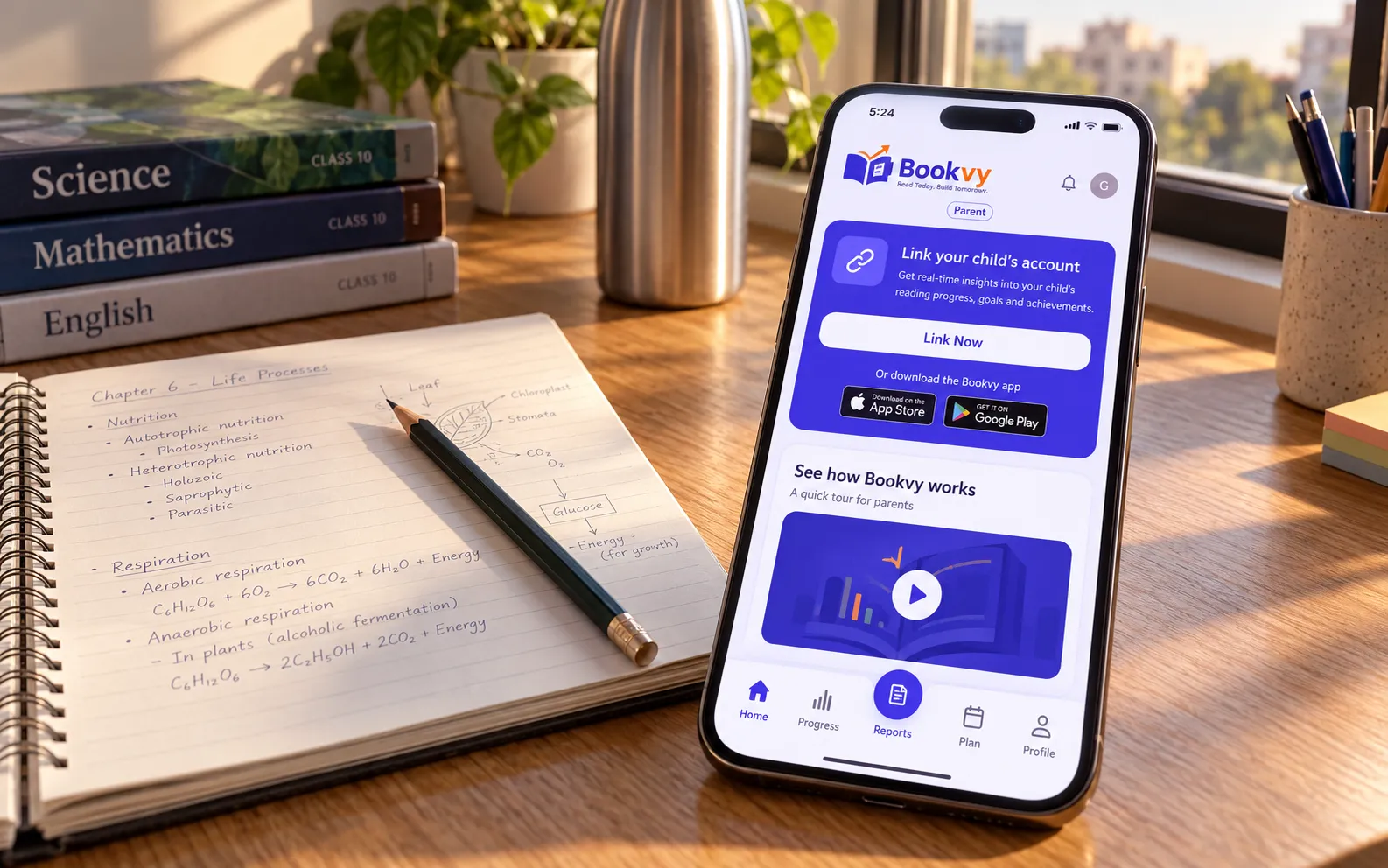
Bookvy Digital School is really two apps: a student app with video lessons, notes, tests and an AI tutor, and a lighter parent app for a quick daily check. Both had to ship on Android and iOS, both had to run well on the low-cost Android phones most students use, and every screen is in Hindi as well as English.
Flutter let me build both apps in one design system with Riverpod and go_router, against a single NestJS and MongoDB backend. It has passed 10,000 downloads on Google Play and is live on the App Store. More in the Bookvy case study.
Pulse: a fully custom interface
Pulse is a daily astrology app built around a 0–100 energy dial, peak and risk windows, and a social side for comparing with friends. The interface is custom from top to bottom: dark and calm, with pastel accents and a serif display face. That kind of bespoke UI is exactly where Flutter's own renderer pays off.
The heavy lifting happens in a FastAPI backend, so the app stays a thin, fast client. The MVP took 10 weeks and the app is past 1,000 downloads. See the Pulse case study, or my guide to MVP app development for how a first version like that gets scoped.
How to decide in one meeting
If you're choosing a stack this week, answer these five questions in order:
- Who will maintain this app in two years? If it's an in-house React team, lean React Native.
- Do you need iOS and Android at launch? If one platform clearly dominates, consider native.
- Is the core feature platform-heavy, like video, Bluetooth or background audio? If yes, go native or at least plan the native modules up front.
- How custom is the design? The more bespoke it is, the more Flutter makes sense.
- Do you need to share code with a web app or push fixes without store review? That favours React Native.
Still stuck? That's what my free discovery call is for. Tell me about the product through the contact page and I'll give you a straight recommendation, even if the answer is to go native.