Founders usually ask me this question with a date already in mind: a demo day, an investor meeting, the start of a season. That's fine. A deadline is useful. But the honest answer depends on what's in the app, how fast decisions get made and a few things outside anyone's control, like app store review and payment gateway approvals.
This guide gives you realistic numbers, explains each phase and shows you the things that quietly add weeks. If you're also working out a budget, read it alongside my guide to app development cost in India.
Quick answer: app timelines by type
These ranges include design, development, testing and the store release. They assume one cross-platform codebase (Flutter or React Native) and a client who replies within a day or two.
| App type | Typical timeline | Examples |
|---|---|---|
| Simple app | 4–8 weeks | A handful of screens, basic login, content from a simple backend. Event apps, catalogues, internal tools. |
| MVP | 6–10 weeks | One core feature done properly, plus login, payments, push notifications and analytics. |
| Mid-complexity app | 3–5 months | Several user types, a custom backend, an admin panel, subscriptions, chat or maps. |
| Complex product | 6–12+ months | Marketplaces, streaming, fintech, multiple apps sharing one platform, heavy integrations. |
The biggest factor isn't the technology. It's scope. Two founders with the same idea can get a 6-week timeline and a 6-month timeline depending on what they insist goes into version one.
Phase-by-phase breakdown
Every project I run goes through the same phases. They overlap a little, but this is roughly how the calendar fills up.
1. Discovery: 1–2 weeks
We talk through the idea, who it's for and what a good result looks like. I write down what's in version one and, just as important, what waits for version two. This ends with a fixed-scope proposal, so the timeline is agreed before any code exists.
2. Design: 2–4 weeks
User flows, wireframes, then visual design and a clickable prototype. This is the cheapest place to change your mind. Moving a button in Figma takes minutes, moving it after it's wired to a backend takes much longer. For most first versions, 2 to 4 weeks covers the main flows and key screens.
3. Build: 4–8 weeks for most first versions
Design and code run in one-week cycles. You get a new test build on your phone most weeks, through TestFlight on iPhone and Google Play testing on Android. The backend, login, payments and notifications get built here too.
4. Testing: 1–2 weeks, plus ongoing
I test throughout the build, but the last stretch is for real devices, budget Android phones, slow networks and edge cases like failed payments. A small beta group of real users catches things I won't.
5. Store review: days, not weeks (usually)
Apple's App Review usually takes 1 to 3 days. Google Play can approve an update in hours, but a first submission can take a few days. Rejections happen, often for a missing privacy detail or demo login, and each resubmission adds a few more days.
Two account-level things catch people out. New personal Google Play developer accounts must run a closed test with at least 12 testers for 14 days before going live. And enrolling a company in the Apple Developer Program needs a D-U-N-S number, which can take a while to get. Start both in week one.
A sample week-by-week plan for a 10-week MVP
Here's roughly what a 10-week MVP looks like when it goes well. Your project will differ in the details, but the shape is usually the same.
| Week | What happens | What you do |
|---|---|---|
| 1 | Discovery call, scope, fixed-scope proposal. Store accounts and payment gateway applications started. | Sign off the scope. Send logo, brand assets, documents. |
| 2–3 | User flows, wireframes, visual design, clickable prototype. | Review designs and give feedback within a day or two. |
| 4 | Project setup, backend, login, first test build. | Install the build and try it. |
| 5–7 | Core features built in weekly cycles, new build each week. | Test each build, send content and copy. |
| 8 | Payments, push notifications, analytics, admin tools. | Test payments with real cards or UPI. |
| 9 | Bug fixing, real-device testing, small beta group. | Recruit beta testers, approve store listing text. |
| 10 | Store screenshots and listing, submission, launch. | Press the button. Tell people. |
Notice how much of the right-hand column is on you. Those tasks are small, but when they slip, the whole plan slips. You can see the full process laid out on its own page.
What slows app projects down
In my experience, projects rarely run late because the code was harder than expected. They run late for much more ordinary reasons.
- Scope creep. 'Can we also add…' is the most expensive sentence in app development. Each small addition seems harmless. Ten of them add a month.
- Slow feedback. If a design review takes a week to come back, you've lost a week. Multiply that across a project.
- Too many decision makers. When three co-founders each have to approve every screen, everything waits for the slowest reply.
- Third-party approvals. Payment gateway KYC with providers like Razorpay needs business documents and can take anywhere from a few days to a couple of weeks. Apple and Google account verification, SMS sender IDs and API access from partners all have their own queues.
- Content not ready. The app is built, but the product photos, lesson videos, prices or legal pages aren't. A launch can end up waiting on nothing more than a privacy policy.
- Changing direction mid-build. Sometimes that's the right call after user feedback. It still resets part of the clock.
Start the slow external stuff in week one: developer accounts, payment gateway KYC, domain and email, privacy policy. None of it needs the app to exist, and all of it can block launch.
How to get your app built faster
You can't make a developer type faster, but you can remove most of the waiting. These are the things that actually move the date.
- Build both platforms from one codebase. Flutter gives you iOS and Android from one project, which is how I built Bookvy and Pulse. Not sure which framework? I compare them in Flutter vs React Native.
- Use a ready-made backend where it fits. Firebase or Supabase handle login, database, storage and notifications out of the box. For many early products that saves weeks over building a custom server.
- Name one decision owner. One person who can say yes or no within a day. This alone can save more time than any technical choice.
- Cut version one hard. Launch with the one feature that proves the idea. My MVP development work starts with exactly this conversation.
- Prepare content early. Copy, images, pricing and legal text should be ready by the time the screens that need them are built.
- Test every weekly build. Ten minutes on your phone each week catches problems while they're cheap to fix.
Real timelines from apps I've shipped
Ranges are useful, but real projects are more convincing. Here are three of mine.
| App | What it is | Timeline | Since launch |
|---|---|---|---|
| Pulse | Daily astrology app, Flutter with a Python backend, real-time chat | MVP in 10 weeks | 1,000+ downloads, still iterating |
| Bookvy | Student and parent apps in Flutter, one shared backend | First release in 12 weeks | 10,000+ downloads, regular releases |
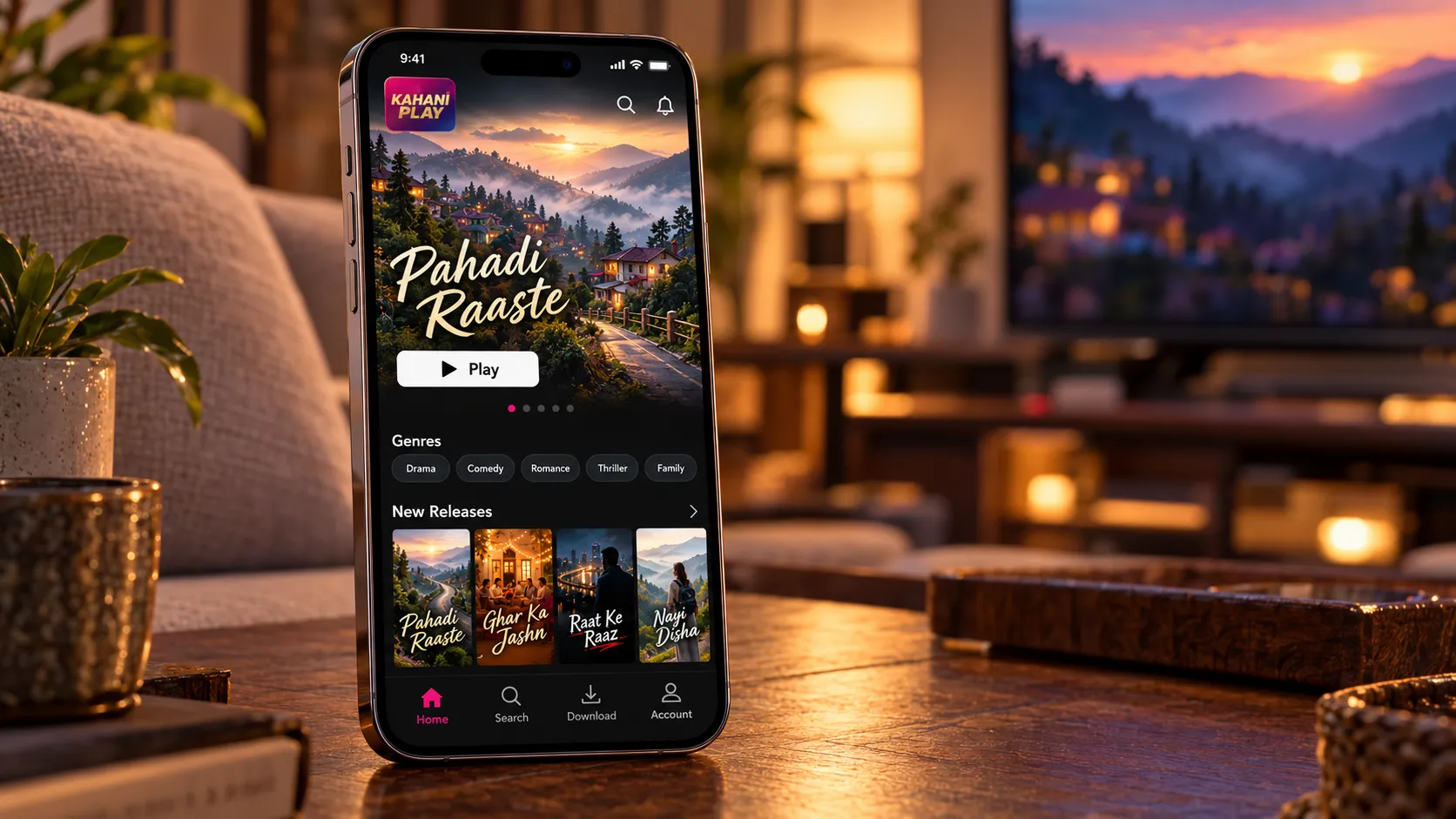
| Kahani Play | Native Android streaming app with downloads and subscriptions | Launch, then ongoing work | 500,000+ downloads, 70+ releases |
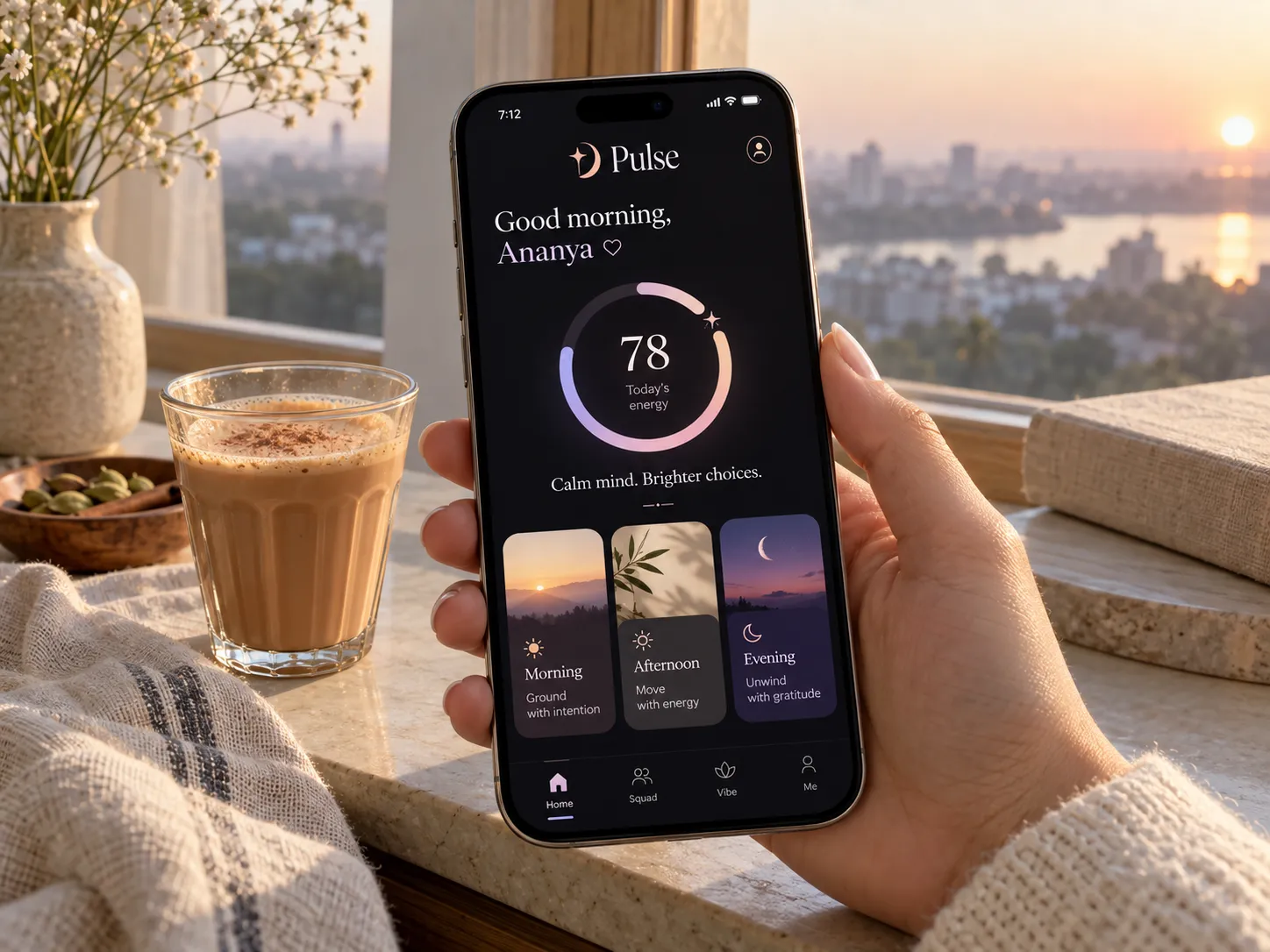
Pulse went from first conversation to MVP in 10 weeks. Today it has an energy dial, peak and risk windows, friend groups with real-time chat and subscriptions, backed by a FastAPI server with scheduled jobs. The founders and I agreed early on what a reading should feel like, short, specific and personal, and that clear brief kept the build focused.
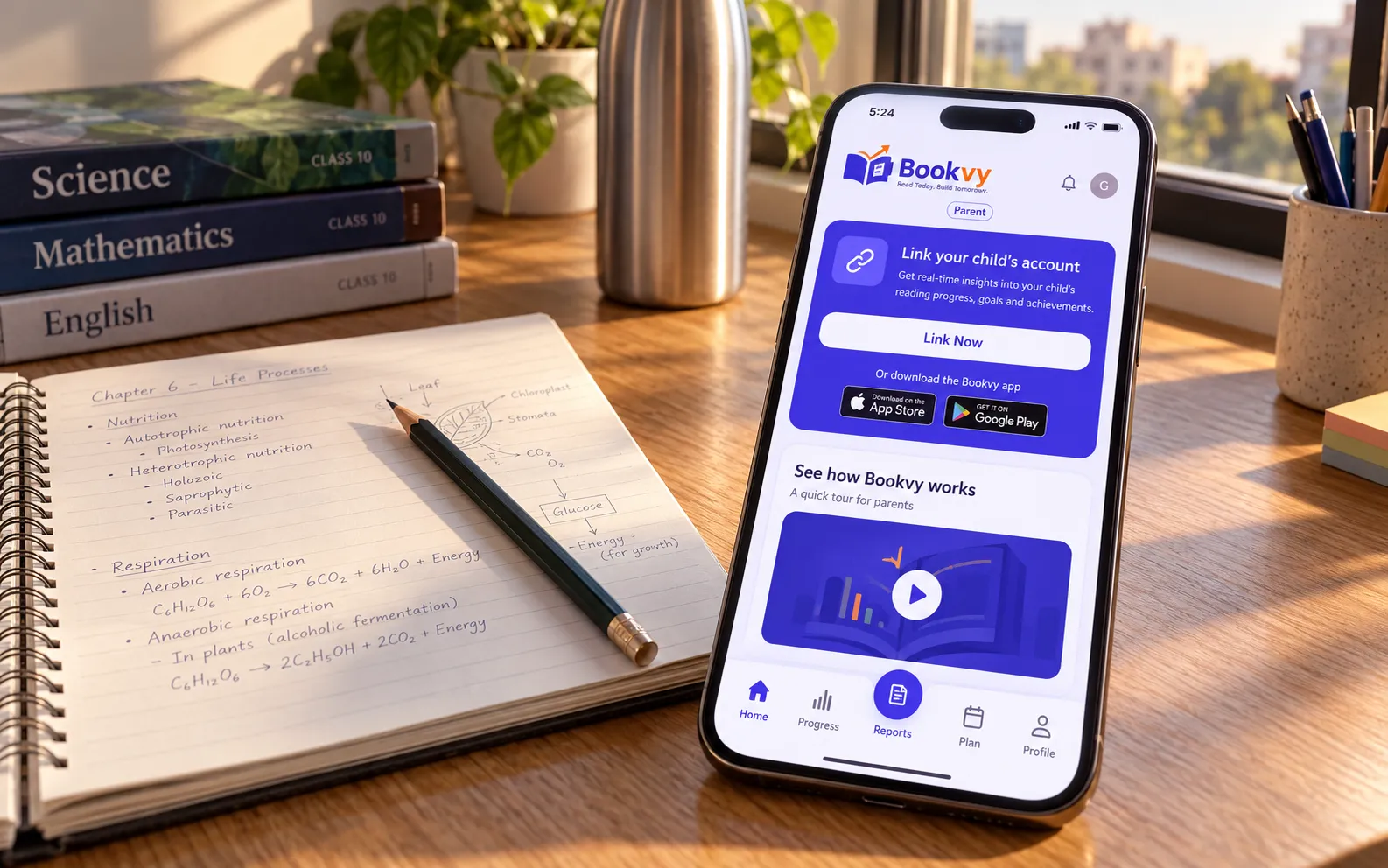
Bookvy took 12 weeks to its first release because it's really two apps: one for students and one for parents, sharing a single backend. Two apps doesn't mean double the time when they're planned together, but it does add a couple of weeks.
Setting a launch date you can actually keep
A launch date is a promise to customers, investors or a marketing team, so it's worth being careful about when you make it public. My advice is simple: plan internally against the build schedule, but only announce a date once the app is feature-complete and in beta.
By that point the unknowns are mostly gone. What's left is bug fixing, store listings and review, which are much easier to predict than building features. Here's how I'd set the date.
- Add a buffer of one to two weeks after the planned submission, for store rejections and last-minute fixes.
- Never launch on the day of submission. Submit first, get approved, then release on your chosen day. Both stores let you hold an approved build and publish it manually.
- Avoid tying launch to a fixed event unless the scope is small and locked. If you must, agree up front what gets cut if time runs short.
- Launch on Android and iOS together, or don't promise it. If one store is slower, it's often fine to release on one platform first and follow a few days later.
A soft launch to a small group, followed by a public launch a couple of weeks later, also takes a lot of pressure off. You fix the embarrassing bugs while only friendly users are watching.
Launch isn't the finish line
Here's the part most timeline guides skip. An app is never really done. Kahani Play has had more than 70 releases since launch: new formats like short reels, new payment options and a rebuilt backend and admin panel.
Once real people use your app, you'll learn things no amount of planning would have told you. On top of that, Apple and Google ship new OS versions every year and libraries go out of date. Budget time for that from the start, usually through a monthly maintenance plan.
If you're still deciding who should build your app, my comparison of a freelance app developer vs an agency covers how each affects speed. And if you have a date in mind, send me your idea. I'll tell you honestly whether it's realistic and what we'd have to cut to hit it.