Most first-time founders I talk to don't have a budget problem or a technology problem. They have a scope problem. The idea in their head has twenty features, and they want all twenty in version one.
I'm an independent app developer, and MVPs are a big part of my work. This guide is the process I actually use: how to scope an MVP, how the weeks go, what it costs, which tech to pick and what to watch after launch. I'll use Pulse, an app I took from idea to MVP in 10 weeks, as the worked example.
What an MVP is, and what it isn't
An MVP (minimum viable product) is the smallest version of your app that real users can download and get real value from. Its job is to answer one question: will people use this, and come back, without you begging them to?
It's worth being clear about what an MVP is not:
- Not a prototype. A clickable Figma prototype is great for testing ideas and pitching investors, but nobody can actually use it day to day.
- Not a buggy demo. Minimum refers to the number of features, not the quality. The features that ship should work properly.
- Not the full product with a few things removed. It's built around one core loop, and everything else has to earn its place.
- Not throwaway code. A good MVP sits on foundations you can keep building on, so version two is an extension, not a rewrite.
How to scope an MVP
1. Find the one core loop
Every app that people return to has a core loop: the thing a user does, the value they get, and the reason they come back. For a habit app it's log, see progress, return tomorrow. For a marketplace it's search, book, get the service.
Write yours in one sentence. If you can't, the scope isn't ready yet. Every feature in the MVP should either be part of that loop or make it possible, like sign-in or payments.
2. Sort features into must, should and could
- Must: the app doesn't work without it. This is the MVP.
- Should: clearly valuable, but people can use the app without it. These go first in version two.
- Could: nice ideas. They wait until data says they matter.
3. Write a cut list
The cut list is the most useful document in the whole project. It's a written list of everything that is deliberately not in version one, and why. It stops scope creep, because when someone suggests a feature mid-build, you check the list instead of arguing about it.
A sample MVP scope
Here's how that looks for a made-up example: an app that lets parents book home tutors.
| Feature | Priority | Why |
|---|---|---|
| Phone OTP sign-in | Must | Needed to book and to contact tutors |
| Browse tutors by subject and area | Must | The start of the core loop |
| Book a session and pay online | Must | This is the loop. It proves people will pay |
| Push reminders before a session | Must | Cheap to build, cuts no-shows |
| Simple admin panel to approve tutors | Must | Someone has to run the business from day one |
| Ratings and reviews | Should | Useful once there are enough sessions to rate |
| In-app chat | Should | Phone calls work fine for the first few hundred bookings |
| Tutor earnings dashboard | Could | A spreadsheet export covers it early on |
| Referral rewards, web app, multiple languages | Could | Growth features for after the loop is proven |
A good test for any feature: if we launch without it, will someone fail to complete the core loop? If not, it goes on the cut list.
MVP timeline, week by week
Most MVPs I build launch in 6 to 10 weeks. Here's what a typical 8-week project looks like. Smaller apps compress it, apps with heavier backends stretch toward 10.
| Week | What happens | What you get |
|---|---|---|
| Before week 1 | Discovery call, then a fixed-scope proposal with one price | A written scope and cut list |
| Week 1 | User flows, data model, key screens sketched | Agreed flows and wireframes |
| Week 2 | Visual design of the core screens, clickable prototype | A prototype you can show users |
| Week 3 | Project setup, backend, sign-in, first screens in code | Your first test build |
| Weeks 4–5 | The core loop built end to end | A working app on your phone |
| Week 6 | Payments, push notifications, analytics, admin panel | Everything needed to run it |
| Week 7 | Edge cases, polish, beta testers, bug fixing | A release candidate |
| Week 8 | Store listings, screenshots, App Review, launch | The app live in the stores |
You get a new test build most weeks, so you're judging real progress on your own phone, not status reports. The full flow, from discovery call to maintenance, is on my process page. For timelines beyond MVPs, see how long it takes to build an app.
What an MVP app costs
The honest answer is that it depends on scope, which is why scoping comes first. But founders need a ballpark to plan, so here are the typical ranges I see for a cross-platform MVP built by a senior independent developer.
| Type of MVP | What's in it | India (INR) | International (USD) |
|---|---|---|---|
| Simple | One core loop, sign-in, managed backend like Firebase | ₹60,000–₹1.5 lakh | $5,000–$12,000 |
| Typical | Payments, notifications, analytics, small admin panel | ₹1.5–3 lakh | $12,000–$25,000 |
| Complex | Custom backend, real-time features, integrations | ₹3–4 lakh+ | $25,000–$40,000 |
Most MVPs land somewhere between ₹60,000 and ₹4 lakh in India, or $5,000 to $40,000 for international clients. Smaller pieces of work, like a prototype or a single feature, start from ₹60,000 in India and $500 internationally. Every project gets a fixed-scope proposal with one clear price before any work starts.
Agencies typically quote more, mostly because of project managers and account layers. I compare the two honestly in freelance app developer vs agency, and break down Indian pricing in detail in app development cost in India.
Tech choices for an MVP
For an MVP, the best stack is the one that gets you to both stores quickly without boxing you in later. My usual choices:
- App: Flutter. One codebase for iOS and Android, so you launch on both without paying twice. React Native is a good choice too, especially if you already have a React team. I compare them in Flutter vs React Native.
- Backend for simple apps: Firebase or Supabase. Sign-in, database, file storage and notifications without writing a server. Ideal when the app mostly stores and shows data.
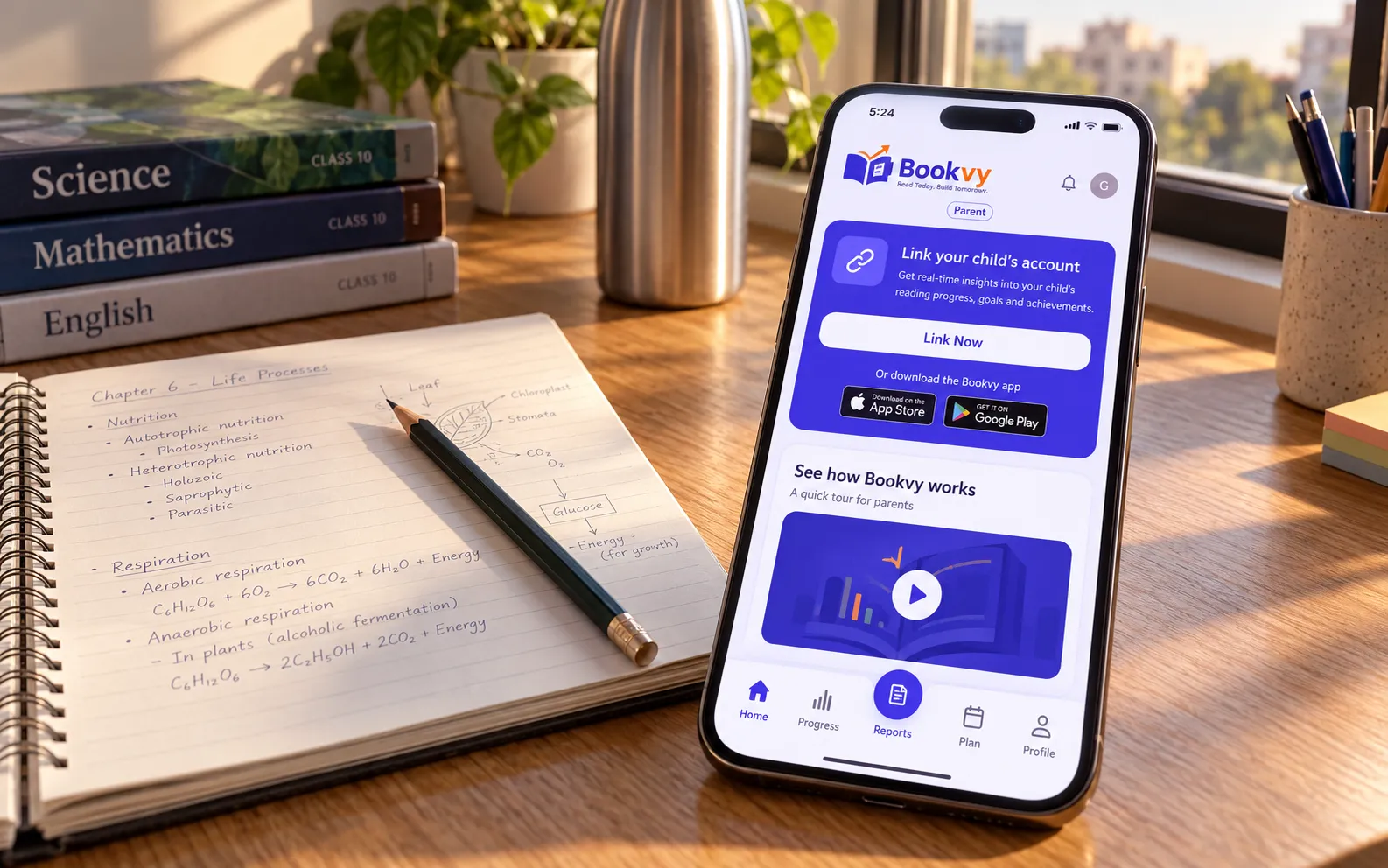
- Backend when logic grows: a small custom API. Usually Node.js with NestJS, like Bookvy, or Python with FastAPI when the work suits it. You need this for complex business rules, scheduled jobs or heavy integrations.
- An admin panel. Founders always underestimate this. Someone has to approve users, edit content and issue refunds, and doing that straight in the database gets old in a week.
- Analytics and crash reporting from day one. Firebase Analytics and Crashlytics, or PostHog or Mixpanel. Without them, launching teaches you nothing.
If you need help with the server side, I build that too. See backend development.
Worked example: Pulse, MVP in 10 weeks
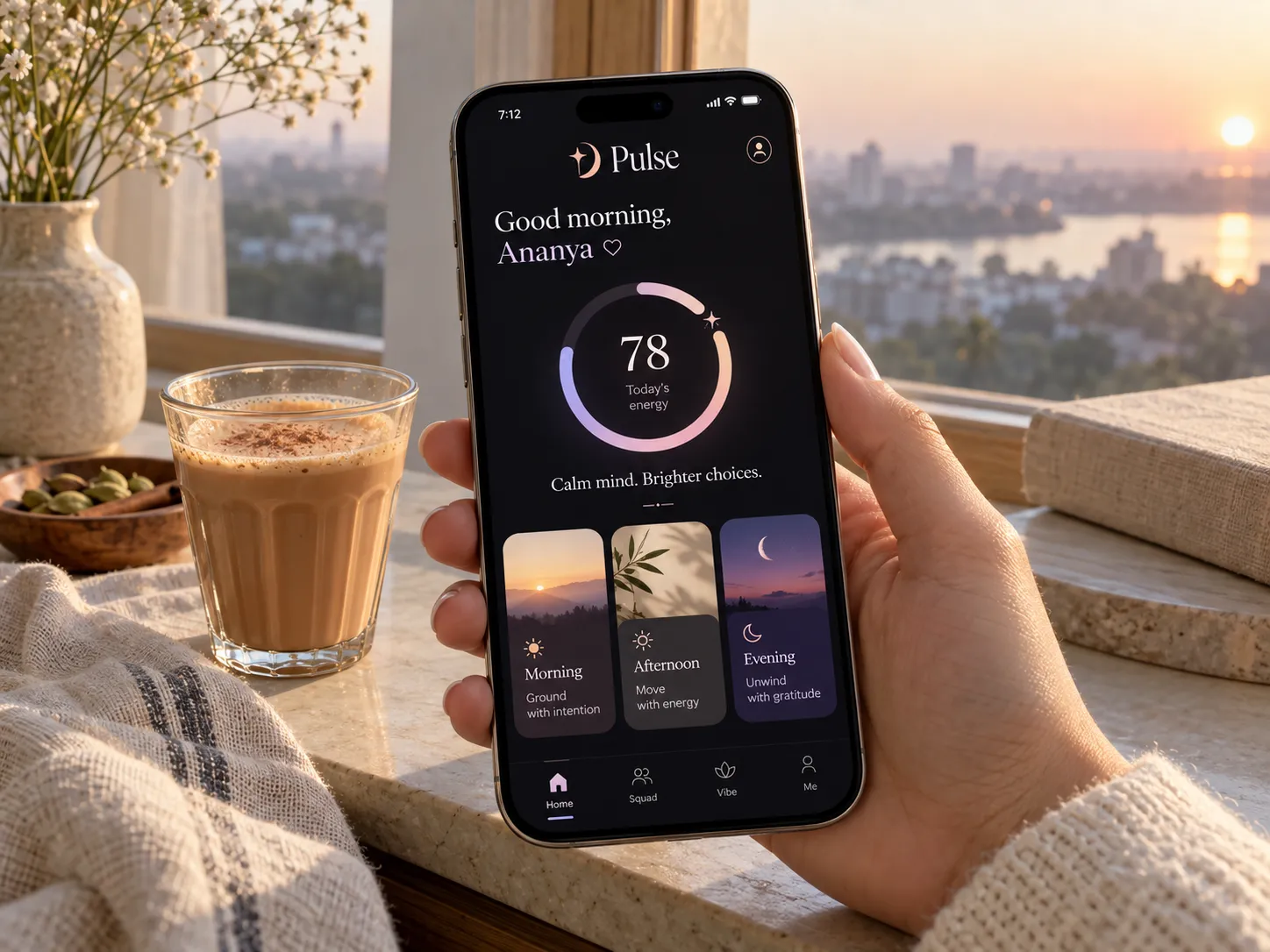
Pulse is a daily astrology and personality app. The founders' problem with existing horoscope apps was that they read the same for everyone born in the same month. They wanted readings worked out from each person's actual birth chart, short enough to check over morning chai.
So the core loop was simple to write down: open the app in the morning, see today's energy score and your best and riskiest hours, come back tomorrow. The Home screen answers exactly that, with a 0–100 dial, a one-line headline and the day split into morning, afternoon and evening windows. Reading the whole day takes about 28 seconds.
At launch, the app went out on Google Play with a landing site, onboarding that collects birth details in under a minute, and push reminders for the morning reading. Underneath it is a Flutter app and a FastAPI backend with PostgreSQL, Redis and Celery for the daily jobs, Swiss Ephemeris for the astrology maths, and a React admin panel.
Ten weeks sits at the top of my usual range, which is what I'd expect for an app whose backend does real calculation every day rather than just storing data. Pulse has passed 1,000 downloads, and after launch the work moved to retention: streaks, a daily personality card and new social features based on how people actually use it. The full story is in the Pulse case study.
What to measure after launch
Downloads feel good but tell you very little. These are the numbers I set up tracking for before launch:
- Activation: what share of new users finish onboarding and complete the core loop once.
- Retention: how many come back on day 1, day 7 and day 30. This is the clearest signal of whether the MVP works.
- Core action frequency: how often active users do the main thing, whether that's a booking, a reading or a lesson.
- Conversion: if you charge, what share of active users pay, and where people drop out of the payment flow.
- Crash-free sessions: if this is low, nothing else in your data means much.
- What users say: short calls with ten real users will teach you more than any dashboard.
Common MVP mistakes
- Building for everyone. Pick one type of user and make the app great for them first.
- Too many features. Every extra feature adds build time, bugs and screens to maintain, and blurs what you're testing.
- Skipping the admin panel. You end up asking a developer to edit the database for you every day.
- Launching without analytics. You'll have opinions about what's happening instead of data.
- Picking the cheapest quote. A rushed MVP on messy code often has to be rebuilt just when you have traction.
- Forgetting the stores. App Review, privacy forms and listings take real time. Plan a few days for them.
- Polishing forever. If you're not slightly embarrassed by version one, you probably launched too late.
The most expensive mistake isn't a bug. It's spending six months building the wrong thing because nothing reached real users early enough to tell you.
From MVP to version two
Launch is where the real product work starts. Once you have a few weeks of data, go back to the should and could lists and re-rank them using what users actually did, not what you guessed during scoping.
Don't rewrite unless you truly have to. If the MVP was built properly, version two is a series of releases on the same codebase. Kahani Play, a streaming app I built, has shipped more than 70 releases since launch, and Bookvy still gets regular updates. That's normal for a healthy app.
Most of my clients move to a monthly app maintenance plan after launch, covering OS updates, fixes and new features. If you're ready to scope your own first version, read how I run MVP development for startups or get in touch through the contact page.