Most founders budget carefully for the build and then guess at everything after it. That's backwards, in a way. The build is a one-off. Maintenance is the bill you pay for as long as the app exists, and an app nobody looks after doesn't stay still. It slowly breaks.
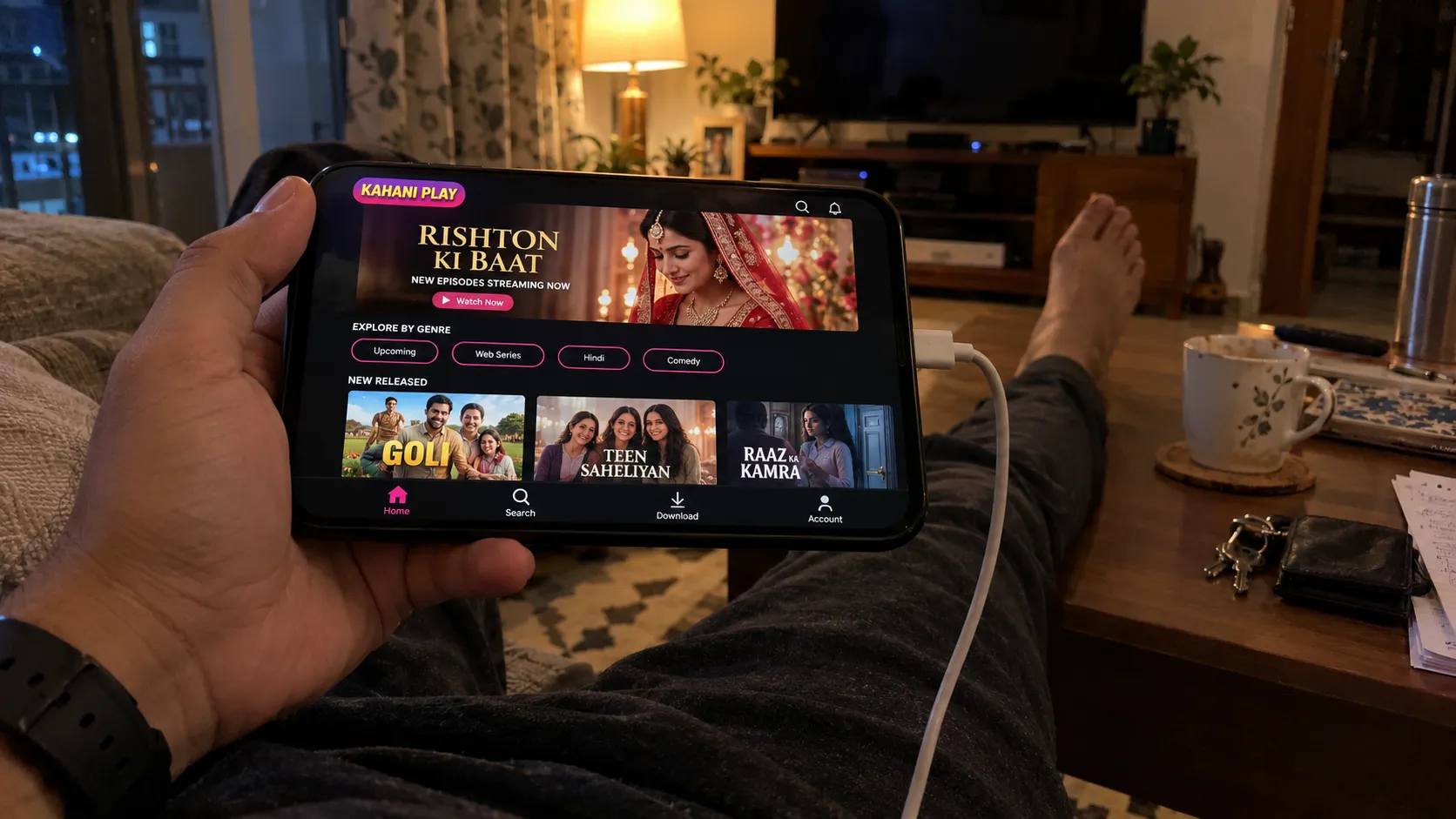
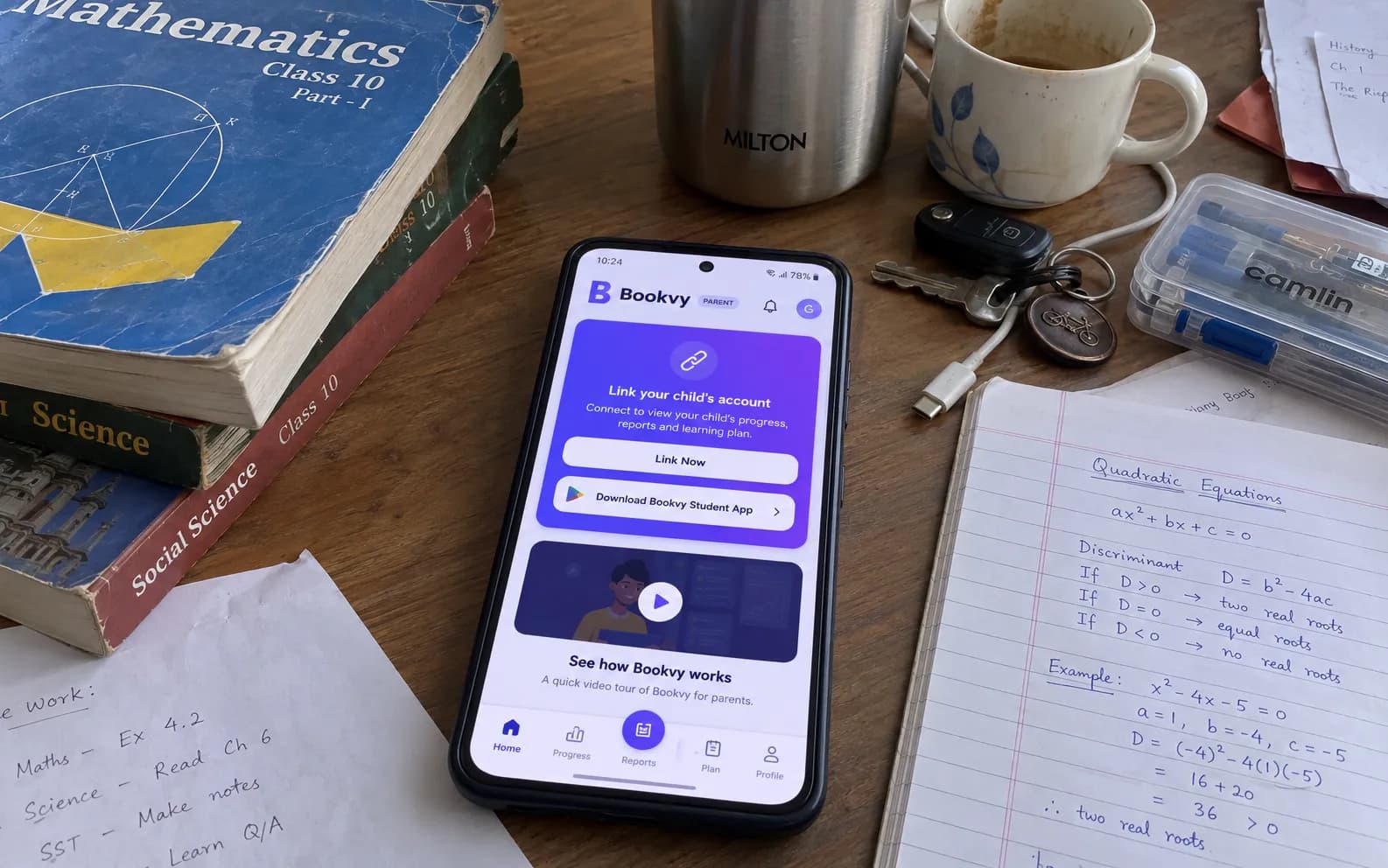
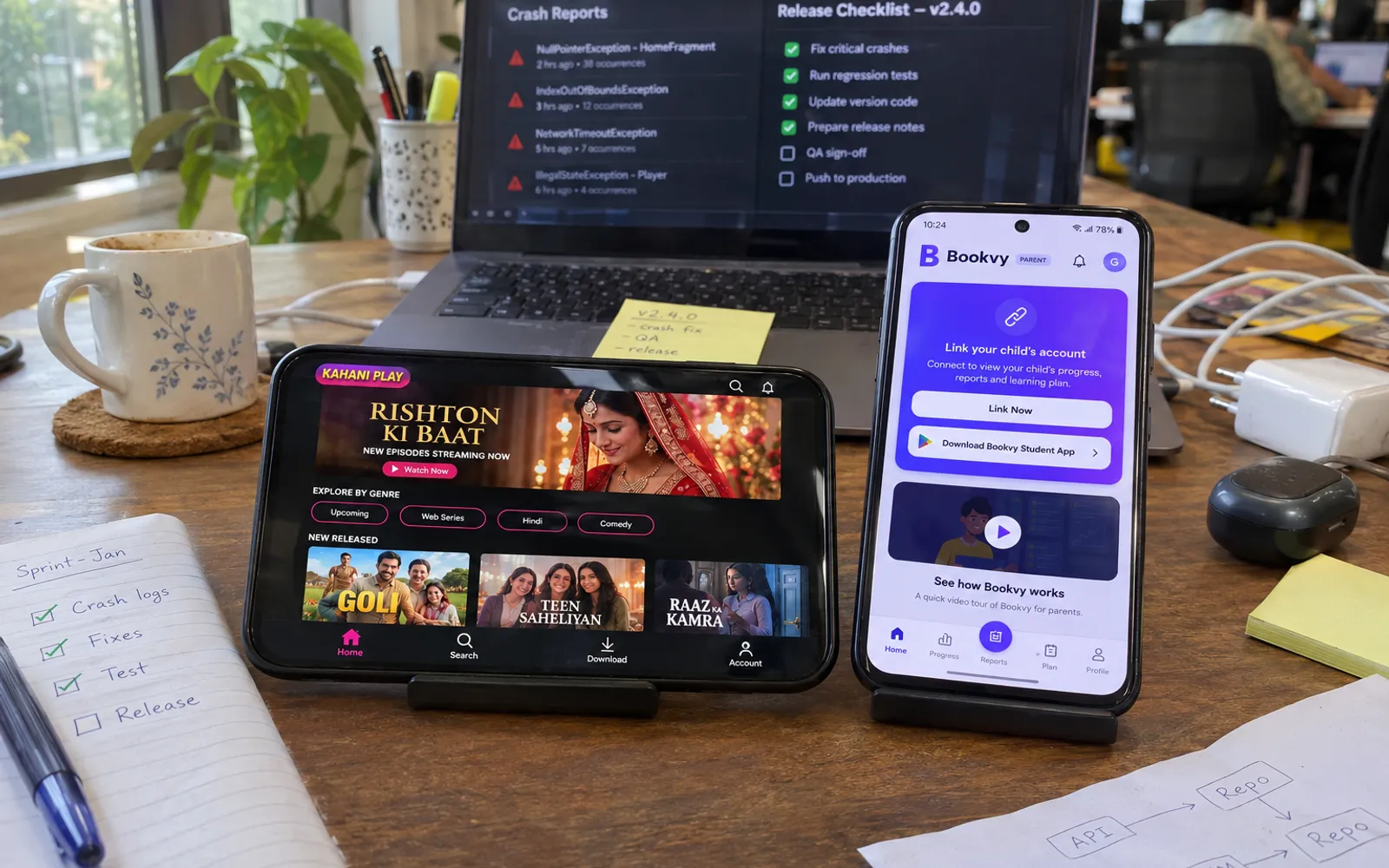
I've maintained Kahani Play, a Flutter streaming app, through more than 70 releases since launch, and I still look after Bookvy and its backend. So this is less theory and more what actually lands on my desk each month. If you're comparing what developers charge per hour first, my guide to app developer hourly rates has the market numbers this one builds on.
The 15–20 percent rule, and where it breaks
The usual rule is to budget 15 to 20 percent of the original build cost every year for maintenance. On a $60,000 app that's $9,000 to $12,000 a year. On a ₹4 lakh app in India, it's roughly ₹60,000 to ₹80,000 a year. That's the same rule I use in my guides to app development cost in India and in the USA and UK, and it's a decent starting point.
But it's a rule of thumb, and it bends in a few predictable places:
- Small apps hit a floor. A ₹1 lakh app doesn't get cheaper OS updates. Testing on a new iOS version and fixing what breaks takes about the same effort whatever the app cost, so small apps often spend more than 20 percent.
- Growing apps spend far more. The rule assumes you're keeping the app healthy, not adding features. If you're shipping new things every month, you're really still building, and 50 percent or more of the original cost per year is normal.
- Messy code costs more to keep alive. A rushed build with no tests and outdated libraries can cost twice as much to maintain as a clean one. This is where the cheap first version gets expensive.
- It excludes running costs. Hosting, SMS, third-party services and store fees are separate, and for video or real-time apps they can be larger than the developer's bill.
What maintenance actually covers
When clients ask what they're paying for in a quiet month, this is the list.
- New OS versions. Apple and Google ship major iOS and Android releases every year. Permissions change, APIs get deprecated, layouts shift on new screen sizes. I test on the betas so the app is ready on release day.
- Store SDK and target API deadlines. Google Play requires new apps and updates to target a recent Android API level, with a deadline every year. Apple periodically requires uploads to be built with a recent Xcode and SDK. Miss these and you can't ship even a one-line fix until you catch up.
- Store policy changes. Things like in-app account deletion, Play's Data safety form, privacy manifests on iOS and changes to payment rules. These arrive on the stores' schedule, not yours.
- Crash fixes. Crashlytics or Sentry shows what's breaking on real devices. Some crashes only happen on one phone brand or one OS version, and those take time to track down.
- Dependency updates. Flutter, React Native and every package you use release new versions. Fall a year or two behind and upgrading becomes a project of its own.
- Server and backend upkeep. Security patches, database backups, certificate renewals, runtime upgrades and the occasional outage.
- Monitoring. Someone watching crash rates, slow API calls, failed payments and store reviews, so problems get fixed before users write in.
Small fixes, OS updates and dependency upkeep are maintenance. New features are development. Keep them as separate lines in your budget, or the maintenance number will look wrong every month.
Running costs you pay regardless of the developer
| Item | Typical cost | Notes |
|---|---|---|
| Apple Developer Program | $99 a year | Needed to publish on the App Store. Open it in your company's name. |
| Google Play Console | $25 one-time | A single registration fee, no yearly renewal. |
| Hosting and database | ₹1,000 – ₹5,000/month in India; $50 – $300/month for a small app elsewhere | Firebase, Supabase, AWS or similar. Grows with users and data. |
| Crash reporting | Free to start | Crashlytics is free; Sentry has a free tier and paid plans as volume grows. |
| Push notifications | Usually free | Firebase Cloud Messaging covers most apps. |
| SMS and OTP | A few paise per message in India, more abroad | Adds up fast if every login sends an OTP. |
| Video, images and CDN | Usage-based | Often the largest line for streaming or media-heavy apps. |
| Store commission | 15 – 30% of digital sales | Applies to subscriptions and in-app purchases sold through the stores. |
| Domain and email | Small yearly fee | Needed for your privacy policy, support email and backend. |
For a typical small app, the fixed costs are tiny. Apple's $99 and Google's $25 won't break anyone. The ones to watch are usage-based: video delivery, SMS and anything billed per request. Those are where a successful month can surprise you.
App maintenance cost per month: retainer ranges
Most ongoing work is billed as a monthly retainer: a set block of hours for updates, fixes and small improvements. These are rough ranges I see for a small to mid-size app with light, steady maintenance, roughly 8 to 25 hours a month. They follow from the hourly rates in my other guides.
| Who maintains it | Typical monthly cost | Notes |
|---|---|---|
| Independent developer in India (Indian client) | ₹10,000 – ₹50,000 | Senior developers sit at the upper end |
| Independent developer in India (international client) | $400 – $1,500 | Billed in USD, GBP or EUR |
| Agency in India | ₹40,000 – ₹1,50,000 | Includes project management overhead |
| UK freelancer | £800 – £2,500 | Often quoted as a number of days per month |
| UK agency | £1,500 – £5,000 | Support tiers with agreed response times |
| US freelancer | $1,000 – $3,500 | Senior rates of $110 – $150/hr push it higher |
| US agency | $2,000 – $8,000 or more | Larger apps and SLAs go well beyond this |
If your app is small and stable, a retainer may be more than you need. Paying hourly for a check-up around each OS release, plus fixes as they come, can be cheaper. Once you're shipping regularly, a retainer is usually better value because the developer keeps your app in their head instead of relearning it each time. You can get a rough build figure to apply the percentage to with my app cost calculator.
What happens if you skip maintenance
Nothing, for a while. That's the trap. Then a few things tend to happen in roughly this order:
- A new iOS or Android version changes something, and a screen breaks or a permission stops working for users who update.
- Crash rates creep up and reviews start mentioning it. Store rankings follow the reviews.
- Google's target API deadline passes. If the app falls far enough behind, Play stops offering it to new users on newer Android versions.
- You need an urgent fix, but the build tools and libraries are now so old that the project won't compile. The one-line fix turns into a two-week upgrade.
- A store policy you didn't hear about leads to a warning, a rejected update or the app being pulled.
I've taken over apps in exactly this state. Catching up after two years of neglect almost always costs more than the two years of maintenance would have. Sometimes it's cheaper to rebuild.
How to cut maintenance costs
- Build it cleanly the first time. Sensible architecture, tests on the parts that matter and up-to-date libraries make every future change cheaper. This is the biggest lever by far.
- Use one codebase for both platforms. With Flutter or React Native you update and test one project, not two. All my long-running apps are Flutter for this reason. If you're choosing, see Flutter vs React Native.
- Keep dependencies few and well-chosen. Every package is something that can break or be abandoned. Fewer, popular packages mean fewer surprises.
- Update little and often. Small upgrades every month are cheap. A big jump every two years is not.
- Rent the boring parts. Managed auth, databases and crash reporting cost less to keep running than custom-built versions.
- Set up crash reporting and CI from day one. Automated builds and alerts turn a day of investigation into an hour.
- Watch usage-based bills. Cache images, compress video, and don't send an OTP when a saved session would do.
How I handle it
My app maintenance plans are monthly with no minimum contract: a set amount of time each month for OS updates, crash fixes, dependency upkeep and small improvements, plus a short summary of what changed. You can pause or resize it. I also take over apps that another developer built, starting with a review of the code and setup. That's the kind of steady work behind Kahani Play's 500,000+ downloads and 70+ releases.
If you're still at the build stage, my MVP development and Flutter app development pages explain how I set projects up so they stay cheap to maintain, and how to hire a Flutter developer covers what to check in whoever builds it. Developers in India are a common way to keep the monthly number down; hiring an app developer in India and my page for Indian businesses cover that, and there's a rate comparison in React Native developer hourly rates and Flutter developer rates in India. Weighing a freelancer against an agency for ongoing support? See freelance app developer vs agency.
Want a maintenance estimate for your app? Tell me about it: what it's built in, how many users it has and when it was last updated.