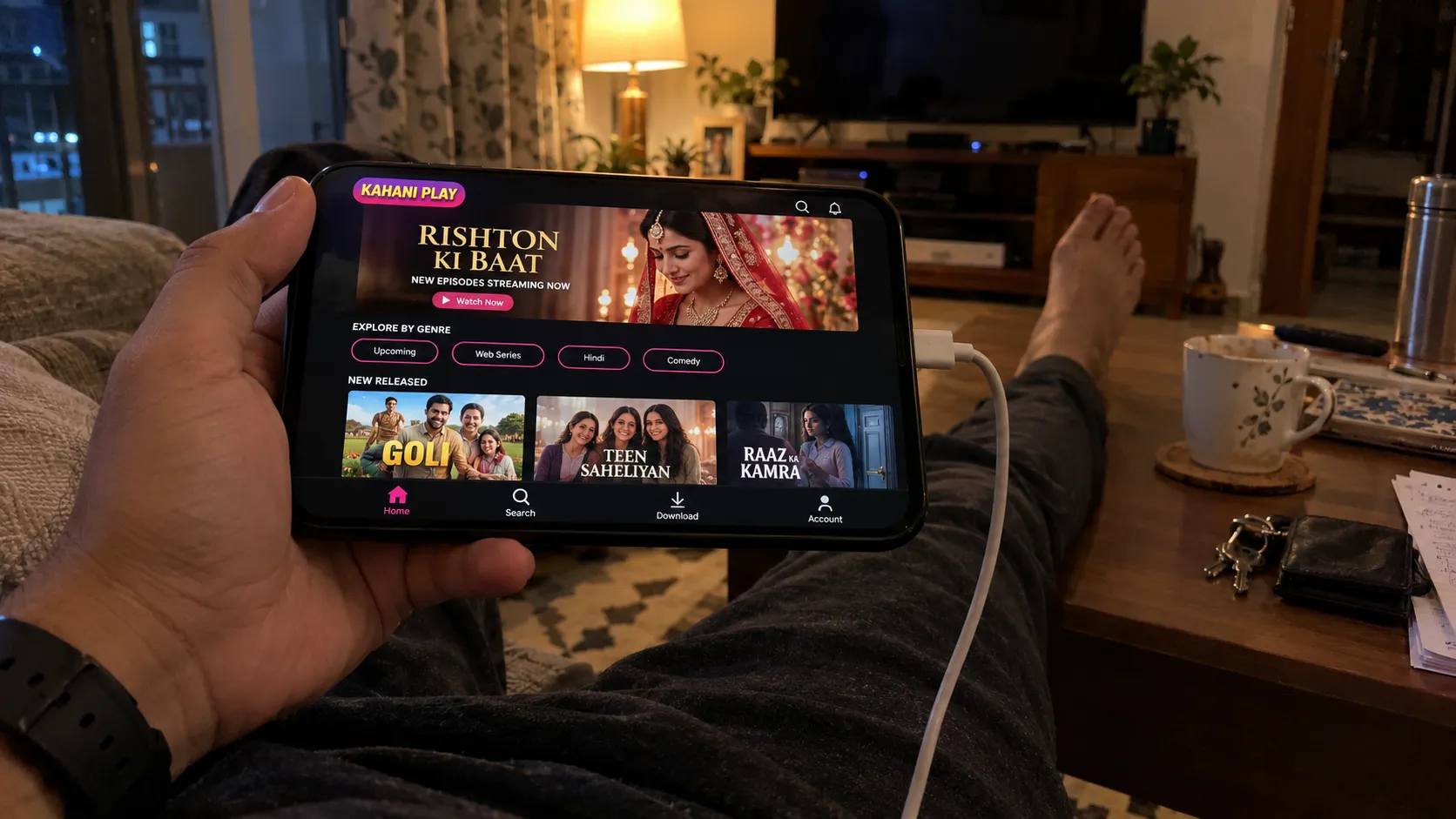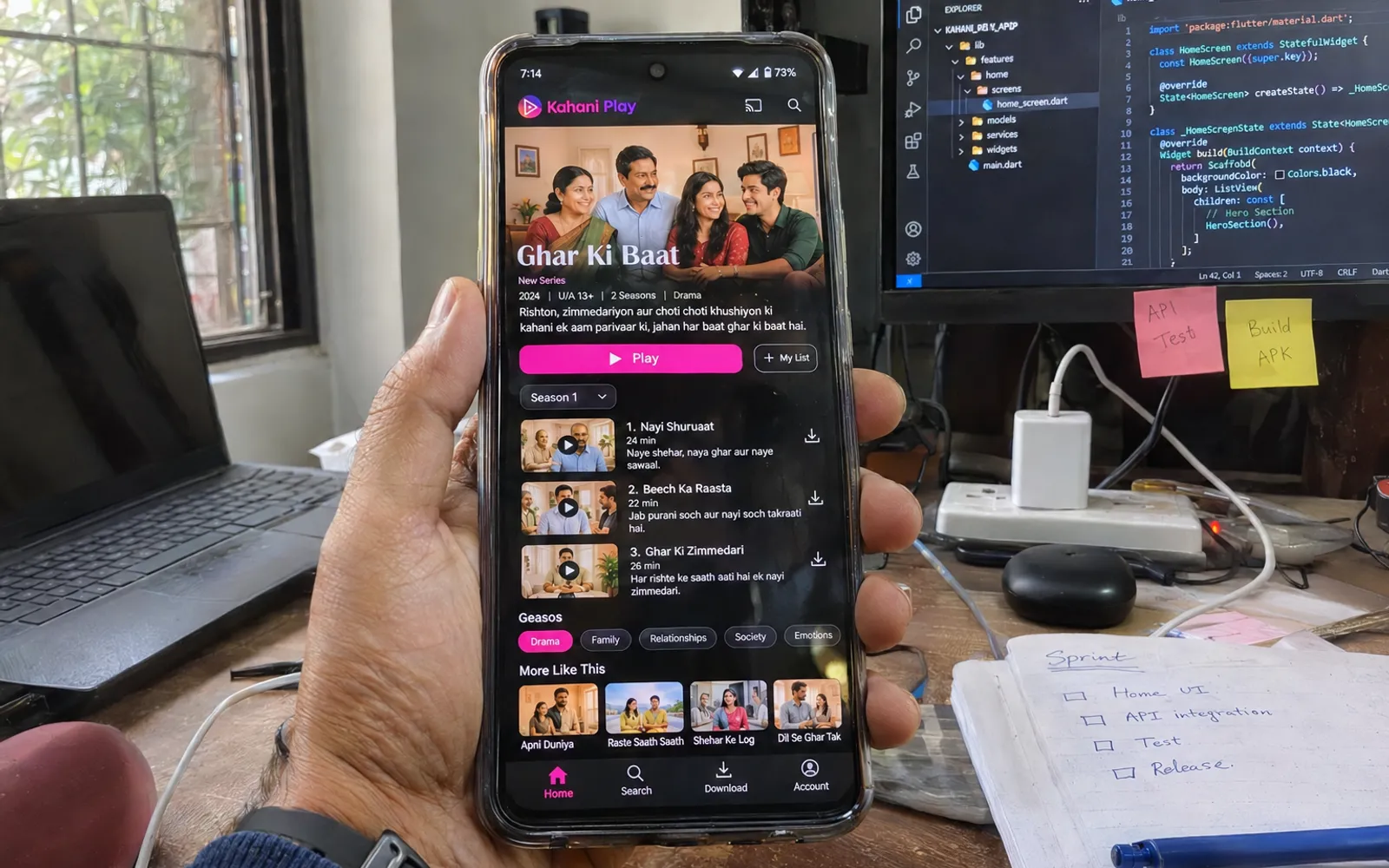
I build Flutter apps for founders in India, the US and the UK, including Kahani Play, a streaming app with 500,000+ downloads and 70+ releases. Plenty of founders start with a FlutterFlow prototype before they talk to a developer, and that can be a smart first step. This is my view of both sides: what a builder gets right, and the point where you need someone writing the code.
If you're weighing prompt-only tools like Lovable or Bolt against a developer, my guide to vibe coding vs hiring an app developer covers that. This one is narrower: visual and AI builders that produce mobile apps, with FlutterFlow as the main example because it outputs Flutter, the same framework I use.
What FlutterFlow and AI app builders actually are
FlutterFlow Studio is a visual editor. You drag widgets onto screens, wire up actions, connect Firebase or Supabase, and it generates Flutter code behind the scenes. You can add custom Dart code where the visual tools fall short.
FlutterFlow also now has an agent-based product, simply called FlutterFlow, where you describe changes in a chat thread and an AI agent builds them, with a built-in backend and its own release flow to the App Store and Google Play. One subscription covers both, according to FlutterFlow's pricing page as of November 2026.
Google AI Studio has a Build mode that turns a prompt into a web app or a native Android app (Kotlin and Jetpack Compose). Its docs say you can download the code as a ZIP or sync it with GitHub. The docs I read don't mention iOS. Lovable and Bolt lean towards web apps, and getting one into the App Store usually means wrapping it or rebuilding it.
What builders are genuinely good at
- Prototypes you can hold. A clickable app on a real phone is a far better pitch than a Figma file, and you can build one in a weekend.
- Testing whether anyone wants it. Put it in front of 20 users before spending on a full build. Most of what you learn is about the idea, not the code.
- Simple apps that stay simple. A booking form, a member directory, an event app, an internal tool for a small team. Standard screens over a standard database.
- Founders who want control. You change a label or a colour yourself, today, without waiting for anyone.
If your app is mostly forms, lists and a login, and it won't grow much, a builder may be all you ever need. That's a good outcome, not a compromise.
Where they hit real limits
Custom native features
Anything outside the builder's ready-made blocks means custom code: background tasks, Bluetooth, unusual camera work, deep links with edge cases, home-screen widgets. At that point you're writing Dart inside a visual tool, which is harder than writing it in a normal project.
Offline and sync
Builders assume a connection. Real offline support, where the app works on a train and syncs later without losing or duplicating data, is design work, not a toggle. On Kahani Play, offline downloads had to be encrypted, stored privately and keep running in the background. That's the kind of feature I'd never try to assemble from builder blocks. The Kahani Play case study shows how it fits together.
Complex backends
Firebase or Supabase rules written through a visual panel work for simple data. Subscriptions with renewals and refunds, roles and permissions, Razorpay webhooks, or business logic that must run on a server are where builder apps start to leak data or money.
Performance on low-end Android
Generated code tends to rebuild more of the screen than it needs to and load images without care. On a new iPhone you won't notice. On a budget Android phone on patchy 4G, which is what many Indian users carry, long lists stutter and startup drags.
Code ownership and lock-in
This is the one to check before you start. On FlutterFlow's pricing page (as of November 2026), source code download is not on the Free plan; it starts on Basic, and pushing to GitHub is on Pro and Max only. FlutterFlow's own docs say that for the newer agent-based product, you can download compiled Android and iPhone builds but not the source code. Studio projects can be exported. If owning your code matters, confirm which product your project lives in.
Even exported Studio code is generated code. It runs, but it isn't laid out the way a developer would structure it, so most developers either clean it up heavily or keep only the designs and rebuild the logic.
Pricing as you scale
The subscription is per editor, and the AI allowance is capped by plan. Add a second or third person and the monthly bill climbs. Your backend (Firebase, Supabase or the built-in one) is billed separately and grows with users. None of this is unreasonable, but it's a running cost a custom app with its own backend doesn't carry in the same way.
Cost: builder vs freelancer vs agency
| Route | Upfront cost | Ongoing cost | Your time | Best for |
|---|---|---|---|---|
| FlutterFlow, you build it | $0 to start; paid plans $39, $80 or $150 a month (less if billed yearly) | Subscription per editor, plus backend usage | High: weeks of building and testing | Prototypes, simple apps, internal tools |
| Builder prototype, then a developer | Subscription + $1,000 to $8,000 for review, fixes or a partial rebuild | Maintenance as needed | Medium | A tested idea that needs to reach real users |
| Independent Flutter developer | From $500 for small jobs; full apps typically $8,000 to $35,000 | Maintenance as needed, often a monthly retainer | Low: decisions and feedback | Apps with payments, offline, store launch |
| Agency | $40,000+ in the US and UK | Retainer | Low | Large scope, multiple teams, strict process |
The builder's real cost is your time. Three months of evenings is fine if you'd otherwise be waiting. It's expensive if you should be selling. For hourly numbers if you're hiring in India, see my guide on Flutter developer hourly rates, or get a rough figure for your own app from the app cost calculator.
Start with a builder, hand over later
For a lot of founders, the best route is both, in order. This is how I'd do it so the handover is cheap:
- Use FlutterFlow Studio, not a tool that hides the source, if you think you'll hand over. Exportable Flutter code at least gives a developer something to read.
- Keep the backend outside the builder. Firebase or Supabase in your own account means a developer can take it over without migrating your users.
- Put your own accounts on everything. Apple developer, Google Play console, the domain, the backend project. Never a freelancer's or the tool's.
- Write down what you learned. Which screens users skipped, what they asked for, what confused them. That list is worth more to a developer than the code.
- Hand over before you add payments or sensitive data, not after a breach or a store rejection.
When a founder brings me a builder app, I look at the export, the database rules and the store setup, then say plainly whether to clean it up or keep the designs and rebuild the core. A rebuild is usually a focused first version, which is what my MVP development work is set up for.
A decision checklist
Answer these honestly. Two or more yeses on the second list means you should at least talk to a developer.
A builder is probably enough if
- You need to test an idea in front of users within a month.
- The app is forms, lists, a login and a standard database.
- You have fewer than a few hundred users and no payments yet.
- You're happy to keep paying a subscription and editing it yourself.
Bring in a developer if
- You're taking payments or subscriptions, or storing health, financial or children's data.
- The app must work offline or run tasks in the background.
- Most of your users are on budget Android phones and speed matters.
- Investors or a buyer will ask who owns the code.
- Every new feature in the builder breaks an old one.
If you land on the developer side, my guide on how to hire a Flutter developer covers vetting and red flags. If you'd like me to look at what you've built, my Flutter app development page explains how I work, and the first conversation is free.