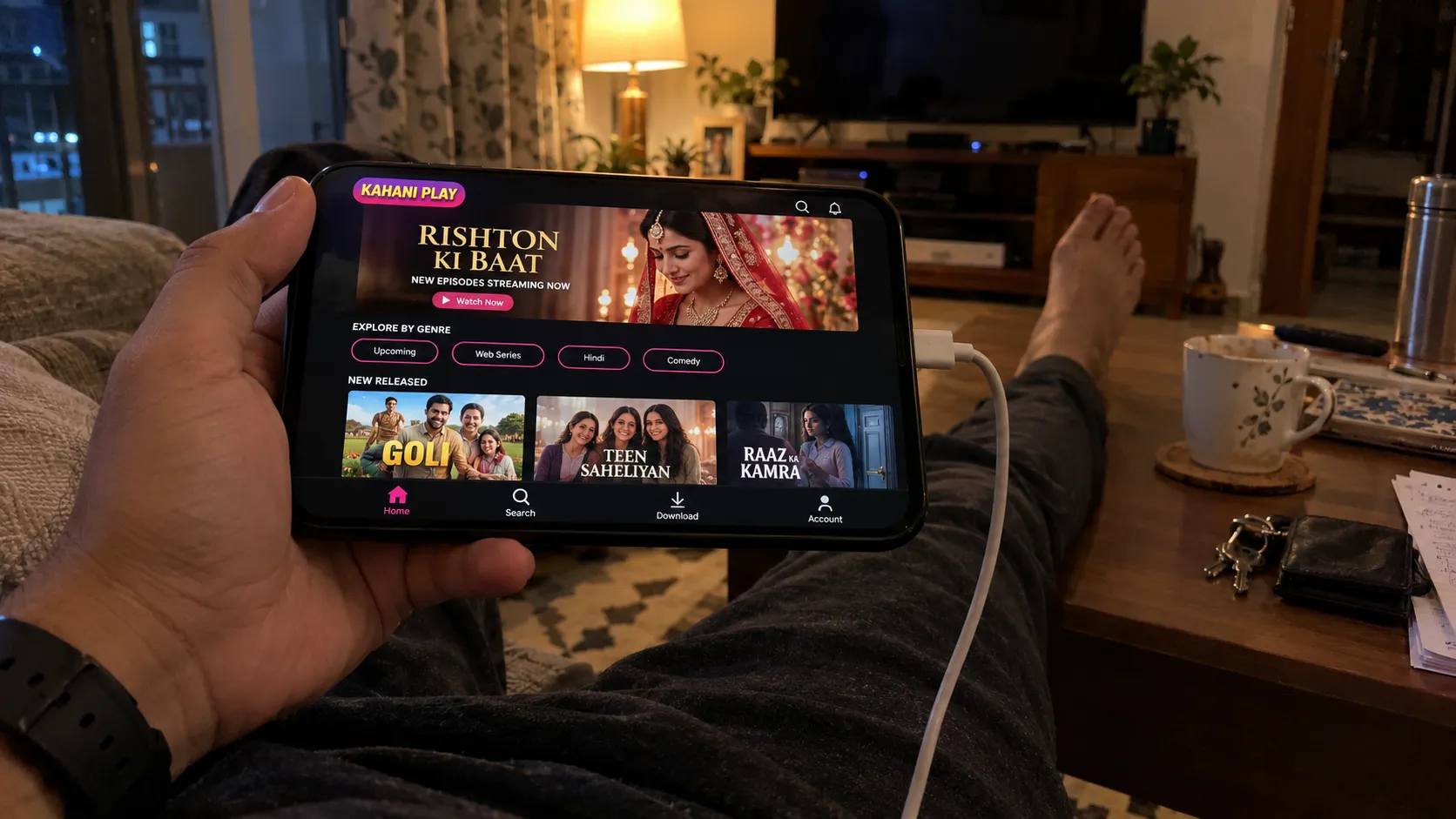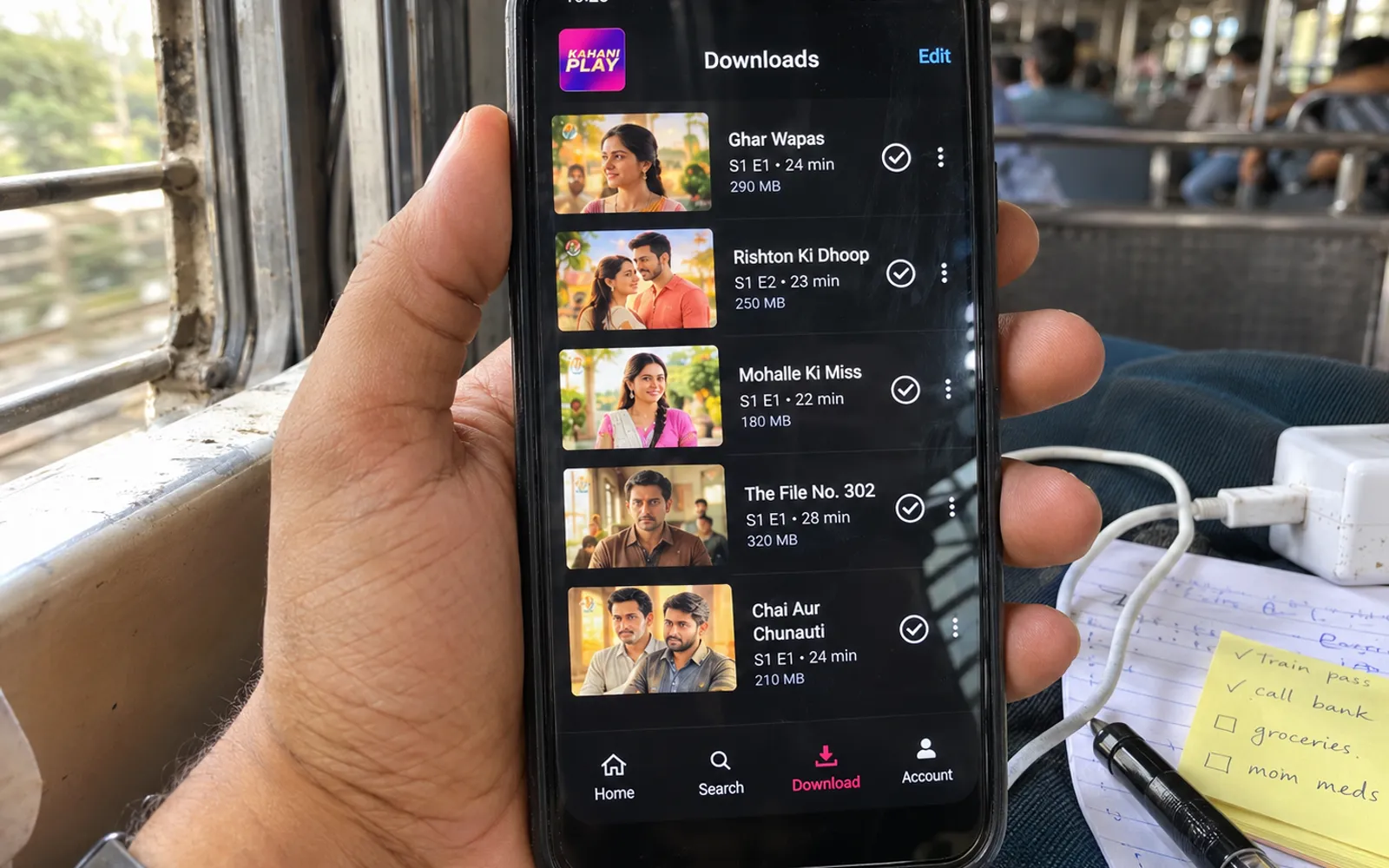
I built the offline downloads in Kahani Play, an Indian streaming app for movies, web series and short clips that has passed 500,000 downloads. The app is Flutter on Android and iPhone. Downloads are encrypted, kept in app-private storage, and run through a small native Android layer so they keep going in the background. This guide is the architecture I'd use again, plus the parts I'd do differently.
It's not a copy-paste tutorial. Package APIs change every few months. The decisions below don't.
Why offline matters so much in India
For a lot of Indian viewers, mobile data is metered and patchy. People download an episode on home or office Wi-Fi and watch it on the commute, on a train through dead zones, or at a relative's place with one bar of signal. For them a download button is not a nice extra. It decides whether they watch at all.
It also changes how you build. Most of your users are on budget Android phones with limited storage and aggressive battery savers that kill background work. Design for that phone first and the flagship takes care of itself.
HLS downloads vs plain MP4 files
The first real choice is what you download. If you already stream HLS, which most OTT apps do, you can download the HLS stream itself or serve a separate MP4 file for offline.
| Factor | Download the HLS stream | Separate MP4 per quality |
|---|---|---|
| What you store | A playlist plus hundreds of small segment files | One file per episode |
| Resume after failure | Natural: skip segments you already have | Needs HTTP range requests and careful handling |
| Encryption | Can reuse AES-128 segment keys from your stream | You encrypt the file yourself |
| Server work | None extra if you already package HLS | Extra encoding and storage for every title |
| Playback offline | Rewrite the playlist to point at local files | Point the player at one local file |
| Progress reporting | Count segments, easy and accurate | Bytes received, also easy |
I lean towards downloading HLS. You already have the renditions, resuming is just picking up the next missing segment, and you don't double your encoding and storage bill. The cost is complexity on the client: you parse the master playlist, choose a rendition, download every segment and the key, then write a local playlist the player can open. MP4 is simpler to build and fine for a small catalogue, so don't dismiss it if you're shipping an MVP.
Picking the quality to download
Don't download the top rendition by default. A 1080p episode can eat a gigabyte, and on a phone with 64 GB and a full WhatsApp folder, that's a failed download and an angry review.
- Offer two or three named choices, like Data Saver, Standard and High, mapped to renditions in your master playlist.
- Show the estimated size next to each choice. You can work it out from the rendition bandwidth and the episode duration.
- Remember the user's last pick and let them set a default in settings.
- Check free storage before starting, with headroom, and say so plainly if there isn't enough.
- Keep audio in mind if you use separate audio renditions. You need to download the audio playlist too, or the file plays silent.
Background downloads on Android and iOS
This is the part that pushed Kahani Play into native code. A download running inside Dart dies when the user swipes the app away or the OS reclaims memory. Episodes take minutes, sometimes longer, so the work has to live outside the Flutter UI.
Android
On Android I wrote a small Kotlin layer that owns the download queue and talks to Flutter over a platform channel. Long-running user-initiated transfers belong in WorkManager with a foreground notification, or a foreground service of the data sync type, depending on your target SDK. Recent Android versions require you to declare the foreground service type and are stricter each year, so check the current rules for your targetSdkVersion. Show a notification with progress and a cancel action. Users expect it, and it keeps the system from killing you.
iOS
On iOS the tool is a background URLSession. You hand transfers to the system and it carries on while the app is suspended, then wakes the app when they finish. For HLS specifically, Apple has its own AVAssetDownloadURLSession that downloads an HLS asset for offline playback, and it's the route you'd take if you ever add FairPlay. iOS gives you less control over timing than Android, so design your UI to tolerate downloads that finish later than expected.
Flutter packages as a starting point
If you'd rather not write native code on day one, background_downloader and flutter_downloader both wrap the platform background APIs for file downloads. They're worth evaluating for MP4 or for a first version. For HLS with many segments and encryption, I ended up wanting full control of the queue, which is why Kahani Play has its own native layer. Treat any package as an option to test on real devices, not a decision you can make from the README.
Keep the download engine native and the download UI in Flutter. The engine needs to survive the app being killed. The screens just need to read its state.
Pause, resume and retry
Every download will be interrupted. The network drops, the user walks out of Wi-Fi, the phone restarts. What I'd build every time:
- Persist the queue and each item's progress in a local database, not in memory. On restart, rebuild state from disk.
- For HLS, record which segments are complete. Resume means fetch the next missing one.
- Retry failed segments with exponential backoff and a cap, then mark the item as failed with a clear reason.
- Respect a Wi-Fi only setting and pause on mobile data when it's on. Many Indian users want this as the default.
- Refresh signed URLs before resuming. CDN links often expire, and a resume against a dead URL looks like a network error.
- Limit concurrent downloads, two at most on a budget phone, so the device stays usable.
Storage, encryption and DRM
Content owners care about one thing here: a downloaded episode should not be shareable as a file. There's a ladder of options, and you pick a rung based on your content deals and budget.
| Option | What it stops | Cost and effort |
|---|---|---|
| App-private storage | Casual copying from the file manager or gallery | Low. Use the app's internal directory, never shared storage. |
| Encrypted files with a key from your server | Pulling files off a rooted phone and playing them elsewhere | Medium. Key handling and local decryption for playback. |
| Widevine / FairPlay offline licences | Most extraction, with licence rules enforced by the platform | High. A DRM provider, licence server, packaging and more testing. |
Kahani Play uses the first two: files live in app-private storage and they're encrypted. That was the right level for its catalogue. If a studio contract requires hardware-backed DRM, you move to Widevine offline licences on Android and FairPlay persistent keys on iOS, usually through a DRM vendor. It's a real project on its own, and it narrows your player choices, so find out early whether your contracts need it.
Wherever the key lives, don't hardcode it in the app. Fetch it per title from your backend after an entitlement check and keep it in the Android Keystore or iOS Keychain.
Expiry and licence checks
A download is a promise with conditions. Typical rules are: playable for a set number of days, a shorter window once playback starts, and only while the subscription is active. Store an expiry with each download and check it before playback.
The harder question is how long to trust the device offline. I'd require the app to check in with the server every few days to confirm the subscription, and lock downloads, not delete them, if it can't. Deleting a 700 MB file because someone was on a two-week trip is a bad experience. If downloads are tied to a paid plan, that check depends on your billing being reliable, which is what my Razorpay subscriptions in Flutter guide covers.
UI states you'll need
The download button looks like one widget. In practice it has at least these states, and each needs a design:
- Not downloaded, with the size estimate.
- Queued, waiting for Wi-Fi or another download.
- Downloading, with progress and a pause action.
- Paused, by the user or by the system.
- Failed, with a reason in plain words and a retry button.
- Downloaded and playable.
- Expired or locked, with a way to renew.
Add a Downloads screen that works with no network at all. People open it in airplane mode, so it must not wait on an API call. For playback, video_player can play local files, and media_kit and better_player are other options worth comparing for HLS features and subtitles. Test the one you pick with your actual encrypted local playlists before committing.
Testing on cheap phones and bad networks
Emulators on a fast office connection will tell you almost nothing. My test list:
- A budget Android phone from a brand with aggressive battery management. Start a download, lock the phone, leave it for 20 minutes.
- Swipe the app away mid-download. Reboot mid-download.
- Toggle airplane mode repeatedly. Switch Wi-Fi to mobile data with Wi-Fi only on.
- Fill the storage until it's nearly full, then download.
- Throttle the network to a slow 3G profile and watch retries.
- Let a signed URL expire during a pause, then resume.
- Change the device clock to test expiry, then make sure the server check catches it.
Mistakes I see most often
- Running downloads in Dart isolates and assuming they'll survive the app being closed.
- Saving video to shared storage, where any file manager can copy it.
- Shipping the decryption key inside the app.
- Defaulting to the highest quality and never checking free space.
- Keeping download state only in memory, so a restart shows everything as not downloaded while gigabytes sit on disk.
- Forgetting cleanup. When a user logs out or a licence expires, files should go, or at least become unplayable.
- Testing only on a flagship phone.
If you're planning a streaming app and want to know what this adds to the budget, I've broken it down in OTT app development cost in India. If you're still deciding on a stack, Flutter vs React Native explains why I was happy doing this in Flutter with a native layer.
I build this kind of thing as part of Flutter app development, and the licence and entitlement side as backend development. If you already have an app whose downloads keep failing, app maintenance is where I'd start. If you'd rather staff it in-house, read how to hire a Flutter developer first. Either way, tell me about it on the contact page.