A widely shared developer post this week described Apple pulling a long-standing app from its EU storefronts. Posts like that spread because the fear is familiar: you didn't change anything, and the app is gone. In most cases there is a reason, it is written in an email or a console message, and it can be fixed.
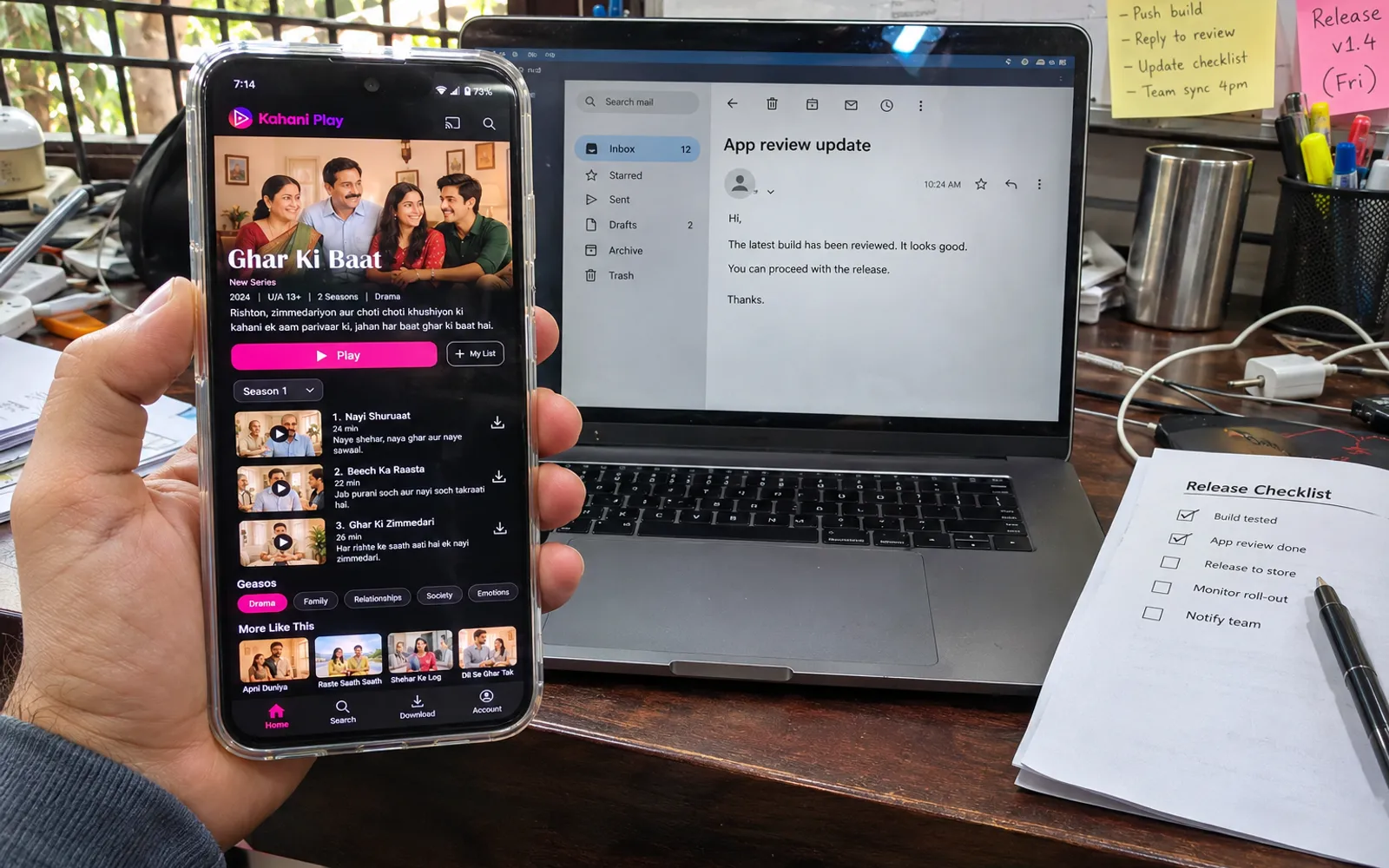
I build and maintain websites, web apps and iOS and Android apps, and I've shipped more than 70 releases of Kahani Play, a Flutter streaming app with over 500,000 downloads. Every one of those releases went through store review, so I spend a fair amount of time reading store policy updates and deadlines. This guide is what I'd tell a founder whose app has just been rejected, suspended or removed.
Rejected, removed or suspended: know which one you have
These words get used loosely, but the stores treat them very differently, and the fix depends on which one you have.
- Rejected: a new build or update failed review. The version already live usually stays live. This is the most common case and the easiest to fix.
- Removed or hidden: the listing has been taken down, in one country, one region or everywhere. Existing users can usually keep using the app, but nobody new can download it.
- Suspended: on Google Play, a suspension is a serious policy action against the app, and repeated suspensions can put the whole developer account at risk. Apple's equivalent is a removal tied to a guideline violation or an account termination.
Removal in a single region, like the EU, almost always points to a compliance or paperwork issue rather than something wrong with the app itself.
The common reasons in 2026
Policies change several times a year, so treat this as a map of where to look, not a rulebook. Check the current App Store Review Guidelines and Google Play Developer Program Policies before acting on any detail.
Outdated SDK or target API level
Google Play sets a target API level deadline every year. As of 2026, new apps and updates must target Android 16 (API level 36) from August 31, 2026, and existing apps that fall too far behind become unavailable to new users on newer Android versions. Apple, from April 2026, requires uploads to be built with Xcode 26 and the iOS 26 SDK or later. Miss these and you can't ship even a one-line fix.
Privacy details and the Data safety form
Apple's App Privacy section and Google's Data safety form must match what the app and every SDK inside it actually collect. Adding an analytics or ads SDK without updating the forms is a quiet way to get flagged later. Missing in-app account deletion is another frequent one.
Developer account verification
Google has been tightening developer identity checks for some time, and in 2026 it started rolling out Android developer verification. If the account details, the D-U-N-S number, the contact email or the payment profile go stale, the store can block updates or restrict the account until someone fixes them.
EU trader status under the Digital Services Act
The EU's Digital Services Act requires stores to collect and show whether a developer is a trader, with verified contact details. In February 2025 Apple removed apps without trader status from its EU storefronts, and they stay hidden until the information is added and verified in App Store Connect. Google Play Console asks for a similar declaration. If your app disappeared only in the EU, check this first.
Policy violations
Misleading metadata, copied content, user-generated content with no moderation or reporting, unclear subscription terms, or a feature that does something the store considers deceptive. Some of these come from a competitor's report or a change in how the store reads an old rule, not from anything you shipped recently.
Inactive or unmaintained apps
Apple runs an App Store Improvements process for apps that haven't been updated in years and get very few downloads. The developer gets a notice and, as of Apple's current help page, 90 days to submit an update before the app is pulled. Google Play doesn't need a notice: an app that stops meeting target API rules simply stops reaching new users on newer phones.
Payments rules
Selling digital goods or subscriptions outside in-app purchase where the store doesn't allow it, or linking out in a way your region doesn't permit. These rules now differ by country, especially in the US, the EU and a few other markets, so what is fine in one storefront can be a violation in another.
Reason and fix at a glance
| Reason | Where you'll see it | Usual fix |
|---|---|---|
| Old target API or SDK | Play Console warnings, App Store Connect upload errors | Upgrade the toolchain and dependencies, test, ship an update |
| Privacy or Data safety mismatch | Rejection email or policy notice | Audit every SDK, correct the forms, update the privacy policy |
| No in-app account deletion | Review rejection | Add delete-account in settings, linked from the listing |
| Account verification lapsed | Console banner, emails to the account holder | Update identity, D-U-N-S, contact and payment details |
| Missing EU trader status | App hidden only in EU storefronts | Add and verify trader details in App Store Connect or Play Console |
| Policy violation | Policy email quoting a guideline | Remove or change the feature, then reply or appeal |
| Inactive app | Apple App Store Improvements notice | Ship a real update within the notice period, or appeal |
| Payments rule | Rejection citing in-app purchase rules | Move purchases to in-app purchase or follow the regional rule |
What to do when it happens
- Read the exact message. Find the email and the matching note in App Store Connect's Resolution Center or Play Console's Policy status page. Note the guideline number or policy name it quotes. That one line tells you more than any forum thread.
- Check the scope. One country, one region or everywhere? New users only, or updates blocked as well? This narrows the cause quickly.
- Check the account, not just the app. Look for verification banners, expired agreements, unpaid membership or missing tax and banking forms. Apple won't keep apps live on an account whose membership has lapsed.
- Fix the real cause before replying. A reply that says "we have fixed it" with no build or form change usually goes nowhere.
- Reply or appeal, briefly and specifically. Say what changed, where to find it and how to test it. Give the reviewer a working demo login if the app needs one.
- Keep users informed if the outage is visible: a short message on your website or social channels is enough.
Both stores have an appeal route. Apple lets you reply in App Store Connect or appeal to the App Review Board, and Google Play has an appeal form linked from the policy email. If you believe the decision is wrong, appeal calmly and quote the guideline. If it is right, fixing and resubmitting is usually faster than arguing.
Don't create a new account or republish the same app under a new listing to get around a removal. Both stores treat that as evasion, and it can turn a fixable app problem into a closed developer account.
How long it takes to get back
There is no fixed answer, and anyone promising one is guessing. The timing depends mostly on how quickly you can make the change, not on the store.
- Paperwork fixes like trader status or account details can be resolved once the store verifies them, which may take from a day to a couple of weeks.
- A rejected update with a clear fix often clears on the next review, which on Apple is usually within a day or two.
- SDK and target API upgrades on an app that has been neglected can take one to several weeks of development and testing before you can even resubmit.
- Appeals take longer and the outcome is never certain. Plan as if the appeal will fail and keep working on the fix in parallel.
How to stop it happening
Almost every cause above is predictable. The stores announce SDK deadlines months ahead, and paperwork expires on known dates. Prevention is mostly a calendar and someone responsible for it.
- Update once a year at least. Plan an upgrade release each summer before Google's target API deadline, and another after Apple's autumn OS release. An app that ships a real update every few months rarely meets an inactivity notice.
- Keep a compliance calendar. Target API deadlines, Apple's SDK requirements, Apple membership renewal, agreements in App Store Connect, and any regional rules for the markets you sell in.
- Keep account details current. Use a shared company email for both developer accounts, not one person's inbox, so warnings aren't missed when someone leaves.
- Review the privacy forms every time you add an SDK. Ads, analytics, crash reporting and payment SDKs all change what you collect.
- Read the policy update emails. They are dull, but they are where the next deadline is announced.
If you're handling users in India, privacy rules don't end with the store forms. My guide to the DPDP Act for apps covers what that law adds on top.
For a new app, getting the accounts, forms and listing right at launch removes half of these risks. The steps are in my guide on how to publish an app, so I won't repeat them here.
Most removals I read about aren't about bad apps. They're about apps nobody was watching: an expired form, a missed SDK deadline or an unread email in an old inbox.
Who should be watching the app
Someone has to own this. For a small company it is usually the developer who maintains the app, working from a short monthly checklist: store warnings, crash rates, policy emails and upcoming deadlines. The cost of that work is covered in my guide to app maintenance cost.
If you'd rather hand it over, my app maintenance plan covers yearly SDK and target API upgrades, store policy changes, privacy form updates and the releases that go with them.
If your app has already been rejected or removed, send me the exact email and the store you're on, and I'll tell you what I think the cause is and what the fix involves. Get in touch and I'll reply within one working day.