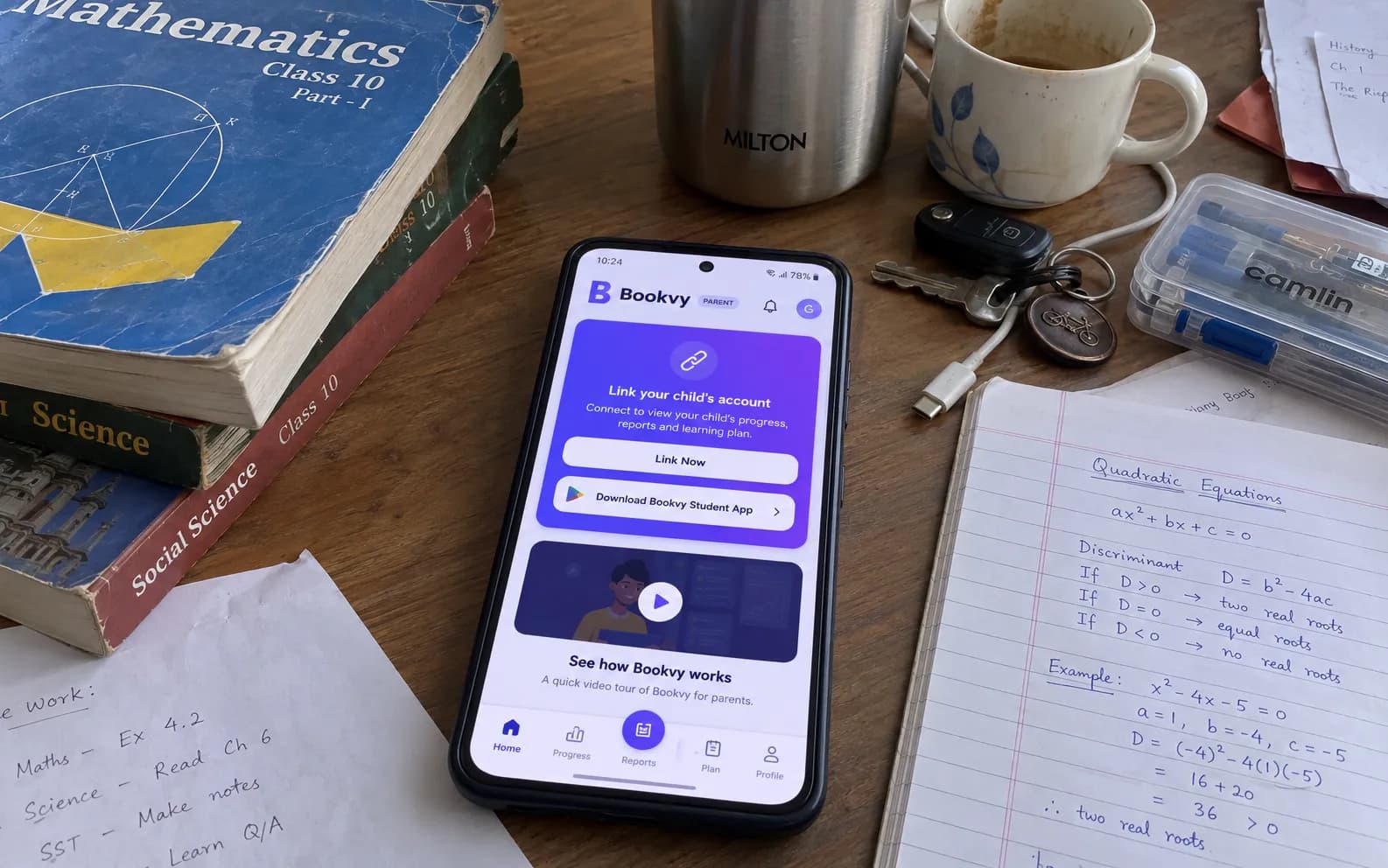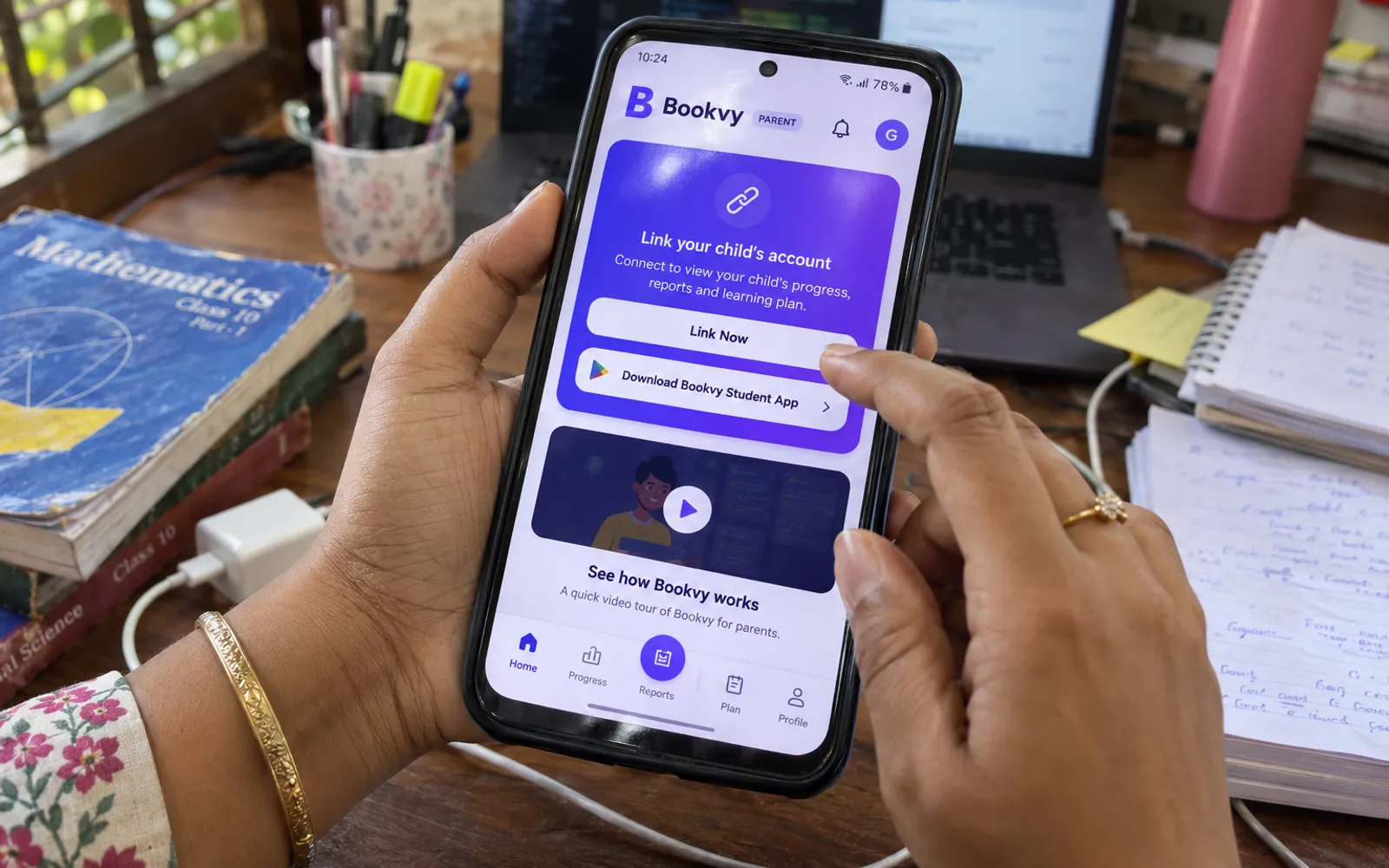
I built payments for Bookvy, a Flutter K–12 learning app, using Razorpay alongside in-app purchase. Most of what I learned had little to do with the Flutter plugin. It was about the backend, webhooks, failed renewals and the app store rules that decide which payment method you're even allowed to show. This is the setup I'd build again.
Payment rules change. I describe RBI, Apple and Google policies in general terms below, and you should check the current versions before you launch.
Plans, subscriptions and the pieces involved
Razorpay's recurring billing has a few objects you'll deal with constantly:
- Plan: the price and billing period, for example ₹299 every month. You create plans once, in the dashboard or through the API.
- Subscription: one customer on one plan, with a total number of billing cycles and an optional start date. It has a status that changes over time.
- Payment: each charge, including the first authorisation payment. Payments belong to a subscription.
- Mandate: the permission the customer gives for future charges, through a card, UPI Autopay or e-mandate on a bank account.
The thing to get right early: your app should never decide on its own that someone is subscribed. Your backend decides, based on what Razorpay tells it.
The flow, end to end
- The user taps Subscribe in the Flutter app.
- The app calls your backend, which creates a Razorpay subscription for the right plan using your secret key, stores it against the user, and returns the subscription ID.
- The app opens Razorpay checkout with your public key and that subscription ID, using the razorpay_flutter plugin.
- The user authorises the payment and mandate by card, UPI or netbanking.
- Checkout returns a payment ID, the subscription ID and a signature to the app. The app sends all three to the backend.
- The backend verifies the signature and marks the subscription as pending confirmation.
- Razorpay sends webhooks as the subscription is authenticated, activated and charged. The backend updates the user's access from those.
- The app refreshes the user's entitlement from your API and opens up the paid content.
The secret key lives only on your server. If it's in your Flutter code, anyone with the APK can pull it out.
Creating the subscription on your server
Create subscriptions on the backend, never in the app. The server knows which plan the user is allowed to buy, whether they already have an active subscription, and whether a coupon applies. It's also where you store the Razorpay subscription ID next to your own user ID, so incoming webhooks can be matched to a person.
Pass your user ID in the subscription notes as well. When a webhook arrives with a subscription you somehow didn't store, the notes give you a way back. Guard against double taps too: if the user already has a created but unpaid subscription for the same plan, reuse it instead of making a new one each time.
For Bookvy, that logic sits in a NestJS backend. Any backend works. What matters is that one service owns subscription state. I do this as part of backend development on most app projects.
Checkout in Flutter with razorpay_flutter
razorpay_flutter is Razorpay's official plugin. You create a Razorpay instance, register handlers for success, error and external wallet events, and open checkout with an options map that includes your key ID and the subscription_id from your server. Prefill the user's name, email and phone so they aren't typing it again.
A few things I'd do in the app:
- Treat the success callback as "payment probably happened", not "user is subscribed". Show a short confirming state while the backend checks.
- Handle the error callback with real messages. Cancelled by the user is not the same as a bank decline.
- Clear the Razorpay instance when the screen is disposed, so handlers don't fire twice.
- If the app is killed mid-payment, the webhook still arrives. On next launch, ask the backend for the current entitlement rather than relying on local state.
Verifying the payment signature
The signature proves the checkout response came from Razorpay and wasn't edited on the device. For subscriptions, Razorpay's docs describe it as an HMAC SHA256 of the payment ID and subscription ID, joined with a pipe character, using your key secret. Your backend computes the same value and compares. If they don't match, reject it and log it.
Use a constant-time comparison, and check the docs for the exact string format at the time you build. Getting the order of the two IDs wrong is the most common reason a correct payment fails verification.
Webhooks are the source of truth
The checkout callback only covers the first payment. Every renewal after that happens while your app is closed, so the only way you hear about it is a webhook. Set up a webhook endpoint, verify the X-Razorpay-Signature header against the raw request body with your webhook secret, and only then act on the event.
| Event | What it means | What the backend does |
|---|---|---|
| subscription.authenticated | Mandate set up, first charge may be later | Record it. Don't grant access yet unless there's a trial. |
| subscription.activated | Subscription is live | Grant access and set the period end. |
| subscription.charged | A billing cycle was paid | Extend access to the new period end. Store the payment. |
| subscription.pending | A renewal charge failed, retries are happening | Keep access during a grace period. Nudge the user. |
| subscription.halted | Retries ran out | Remove paid access. Ask the user to update payment. |
| subscription.cancelled | Cancelled by user or by you | Keep access until the paid period ends, then stop. |
| subscription.completed | All billing cycles finished | End access at period end, offer renewal. |
Webhooks can arrive late, twice, or out of order. Make the handler idempotent by storing the event or payment ID and skipping repeats. Compare timestamps before overwriting state, so an old charged event doesn't undo a newer cancellation. Return a 2xx quickly and do heavy work in a queue, or Razorpay may retry and you'll process it again.
UPI Autopay, e-mandates and RBI rules
In India, most people I build for want to pay by UPI, and UPI Autopay is how that works for subscriptions. The user approves a mandate in their UPI app, and later charges are debited against it. Cards and netbanking e-mandates are the other routes.
RBI's framework for recurring payments shapes all of this. In general terms: the customer has to register the mandate with additional authentication, customers get a notification before each debit, and charges above a certain amount need fresh authentication each time. The limits and details have been revised more than once, and they differ by payment method and category. Razorpay handles most of the compliance mechanics, but it affects your product too. Pre-debit notices mean a renewal isn't instant, and a high-priced annual plan might need the user to approve each charge. Read Razorpay's current documentation and the latest RBI circulars before you set prices.
Apple and Google rules for digital goods
This decides more of your architecture than Razorpay does. On iOS, Apple has long required in-app purchase for digital content and subscriptions consumed in the app, like video lessons or premium features. Those rules have been changing, with court rulings and regulation opening up external payment links in some countries, so read the current App Store Review Guidelines for every storefront you sell in.
Google Play has a similar policy for digital goods, with its own billing system, plus alternative billing programmes in some markets, India among the countries where these have been in flux. The details, fees and eligibility change, so check Play's current payments policy rather than trusting a blog post, including this one.
That's why Bookvy uses Razorpay and in-app purchase rather than one or the other. The practical result is one entitlement model on your backend with more than one way to pay into it. Razorpay webhooks and App Store or Play server notifications all update the same "is this user paid until when" record. The app only ever asks that question. If you're unsure how review will treat your setup, my guide on how to publish an app covers what reviewers check.
Failed renewals and grace periods
Renewals fail all the time: insufficient balance, an expired card, a UPI mandate the user revoked. Razorpay retries a failed charge on a schedule before halting the subscription. I'd handle it like this:
- Keep access for a short grace period while the subscription is pending. Cutting someone off on the first failed debit loses people who would have paid.
- Tell the user in the app and by notification, with a button that takes them straight to updating payment.
- When it halts, downgrade cleanly. Keep their progress and data, lock the paid features.
- Track how many halted users come back. That number tells you whether your reminders work.
Testing in test mode
Razorpay's test mode has separate keys and test cards and UPI IDs for success and failure. Use it with a staging backend and a separate webhook URL. Things I always test:
- A successful first payment, with the webhook arriving before and after the app's verify call.
- A user cancelling checkout, and a declined payment.
- Killing the app right after paying.
- Sending the same webhook twice, and sending events out of order.
- A failed renewal through to halted, and a recovery after it.
- A tampered signature, which should be rejected.
Then do a small real payment in live mode before launch and refund it. Test mode doesn't catch everything about live mandates.
If you're building a learning app and want a sense of budget, see edtech app development cost in India. Subscriptions also gate other features, like the encrypted downloads in my Flutter offline video download guide. For a team to build this, start with hiring a Flutter developer and Flutter developer hourly rates in India. Or talk to me about Flutter app development and payments that keep working after launch through app maintenance, on the contact page.