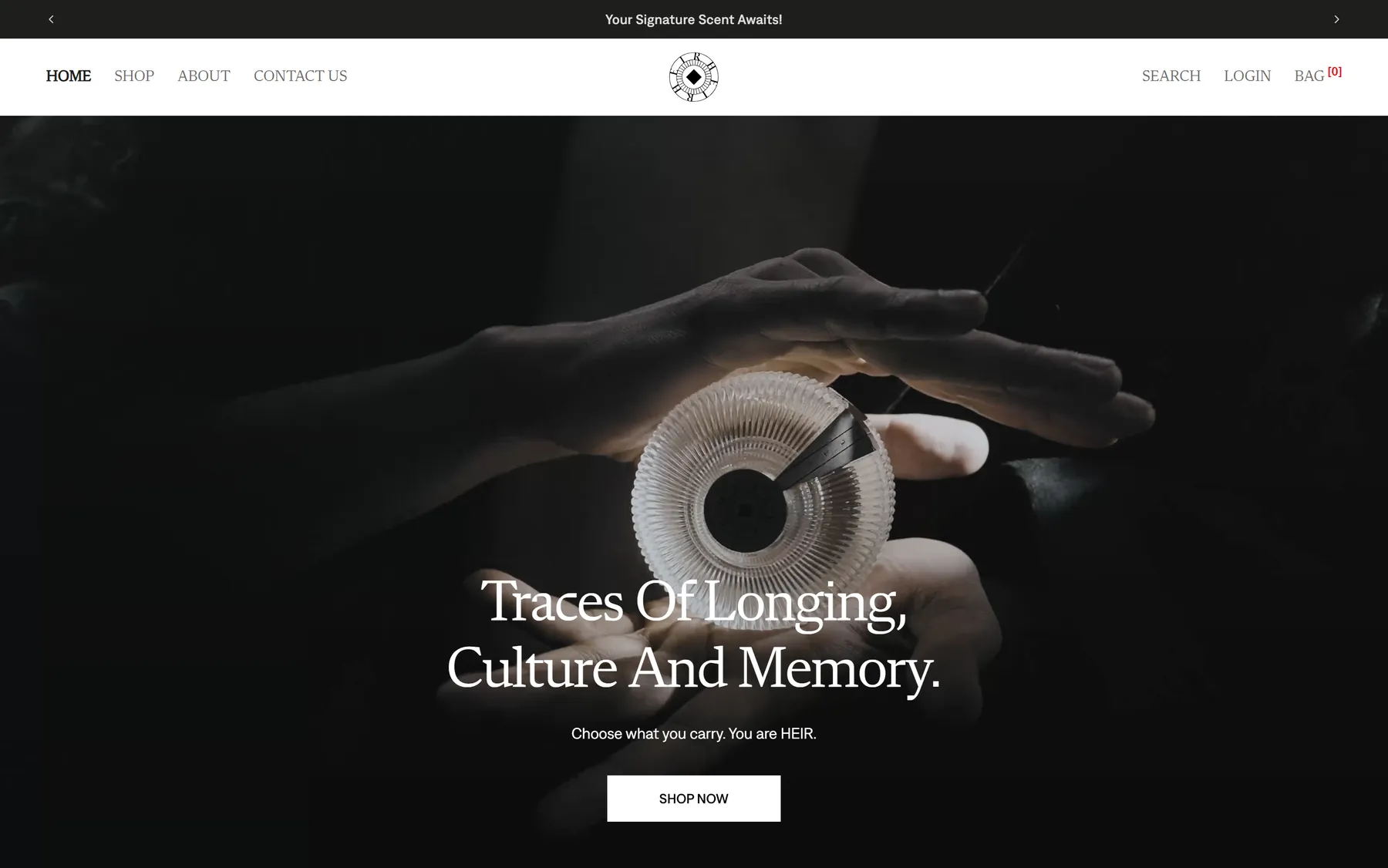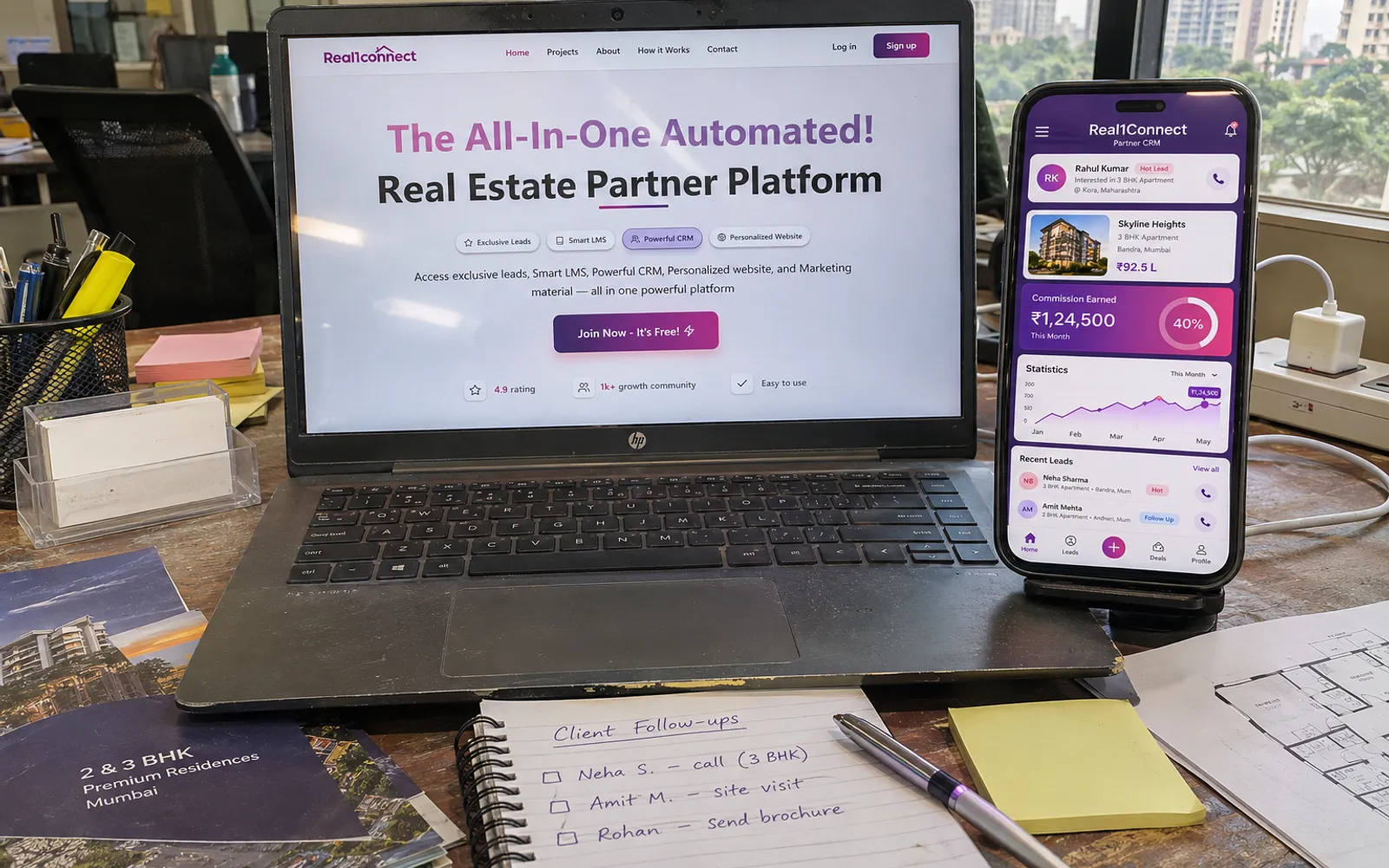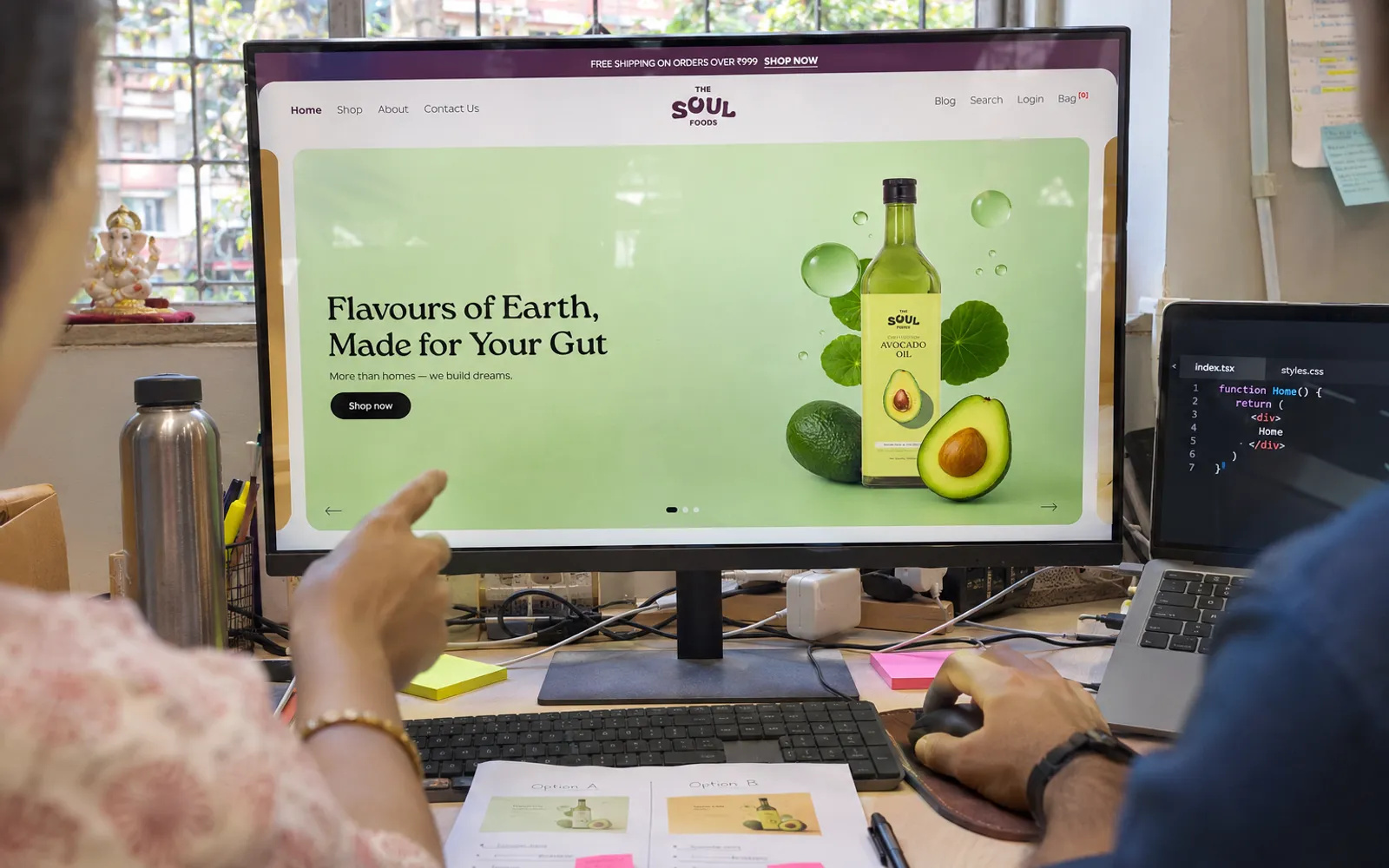
I'm an independent full-stack developer in Mumbai. I build business sites, web apps and headless stores in Next.js, including the storefronts for HEIR, Ishikaa Jain and The Soul Foods, which run on Shopify behind the scenes. I also write the backends behind apps like Kahani Play, Bookvy and Pulse. I build in Next.js, so read this knowing which side I work on. I've tried to be fair anyway, because WordPress is the right answer for plenty of businesses.
The short version: WordPress is a ready-made content system with a huge plugin library. Next.js is a framework for building exactly the site or app you need. One gets you running faster and cheaper. The other gives you more control and more speed, and costs more to start.
Next.js vs WordPress at a glance
| WordPress | Custom Next.js | |
|---|---|---|
| What it is | A CMS with themes and plugins, written in PHP | A React framework; you add a headless CMS for content |
| Speed out of the box | Depends heavily on theme, plugins and hosting | Fast by default with static and server rendering |
| SEO | Good with a plugin like Yoast or Rank Math | Good, but metadata and sitemaps are built in code |
| Security upkeep | Core, theme and plugin updates every few weeks | Fewer moving parts; dependency updates still needed |
| Editing content | Familiar admin, page builders | Headless CMS such as Sanity, Payload or Contentful |
| Typical build cost (India) | ₹15,000 to ₹2 lakh | ₹50,000 to ₹2 lakh for sites; more for web apps |
| Hosting | Shared, VPS or managed WordPress hosting | Vercel, Netlify or a Node server |
| Developer pool | Very large | Smaller, and more expensive per hour |
| Custom features and logins | Possible through plugins, gets messy | What it is built for |
Speed and Core Web Vitals
Google measures real-user experience with Core Web Vitals: how fast the main content appears (LCP), how quickly the page responds to a tap (INP) and how much the layout jumps around (CLS). The targets, as of 2026, are LCP under 2.5 seconds, INP under 200 milliseconds and CLS under 0.1.
A Next.js site can pre-render pages to plain HTML, ship less JavaScript and optimise images and fonts automatically. On a mid-range Android phone over 4G, that difference shows. Hitting all three targets is the normal outcome of a careful build, not a special project.
WordPress can be fast too. A lightweight theme, few plugins, good caching and decent hosting get you most of the way. The trouble is that most WordPress sites drift. A page builder, a slider, a chat widget and a dozen plugins later, each page loads scripts it doesn't need, and nobody is sure which plugin is safe to remove.
SEO, security and keeping it updated
For SEO, the platform matters less than people think. WordPress with Yoast or Rank Math handles titles, descriptions, sitemaps and schema without any code. In Next.js, a developer sets these up once in code, and after that every page gets them correctly. Where Next.js helps SEO is speed and clean markup, which feed into rankings and into how long people stay.
Security is where the two differ most. WordPress powers a large share of the web, so it's the most targeted CMS, and most real-world breaches come through outdated plugins or themes rather than WordPress core. That means someone has to log in regularly, update everything, check nothing broke and keep backups. If nobody does, the site is at risk.
A Next.js site served as static pages has no public admin login and no database for an attacker to reach on the marketing pages. It still has npm dependencies that need updating, and any forms or APIs need proper validation. The upkeep is lighter, though, and an update rarely breaks the layout.
A WordPress site is only as safe as its update routine. If you choose it, budget for monthly maintenance from day one, or the cheaper build stops being cheaper.
Editing content: WordPress admin vs a headless CMS
This is the strongest argument for WordPress. Your team logs in, writes a post, drops in images and publishes. Lots of people in marketing roles already know the admin, and a page builder lets them make new layouts without a developer.
With Next.js, content lives in a headless CMS such as Sanity, Payload, Contentful or Strapi. Your team edits fields in a clean editor, and the site rebuilds or refreshes the page. Editors can't break the design, which is good for brand consistency. They also can't invent a new layout on their own; a new page template is a developer job.
For stores, the same idea applies with Shopify as the back office. On HEIR, the storefront is custom Next.js, and the client runs products and orders from the Shopify admin without touching code.
Cost to build, host and maintain
In India, a simple WordPress business site from an experienced freelancer usually costs ₹15,000 to ₹75,000, and a content site with custom design and a CMS runs ₹50,000 to ₹2 lakh. A custom Next.js site with a headless CMS sits toward the upper half of that second range, because the design and every template are built rather than configured. I break these numbers down by site type in website development cost in India.
Hosting goes the other way. Managed WordPress hosting or a VPS typically costs ₹500 to ₹5,000 a month. A Next.js marketing site on Vercel or Netlify often fits a low paid plan, though free tiers have commercial-use limits and a headless CMS may add its own fee once you pass the free plan.
Maintenance for most small sites runs ₹2,000 to ₹15,000 a month on either platform. On WordPress most of it goes to updates and plugin conflicts. On Next.js more of it goes to new features and content changes, since there is less to patch.
When WordPress is the right call
- The site is mostly content. A blog, a news site or a resources library with hundreds of posts and several authors.
- The budget is tight. If ₹30,000 is the ceiling, a well-built WordPress site beats a rushed custom one.
- Your team already knows it. Retraining editors has a real cost, and a familiar admin gets used.
- You need a specific plugin. Event bookings, memberships, LMS or multilingual plugins can replace weeks of custom work for simple needs.
- You want many developers to choose from. Replacing a WordPress developer is easy almost anywhere.
So, is WordPress still good in 2026? Yes, for these cases. The problems start when it's stretched into something it wasn't designed for, like a customer portal held together by six plugins.
When Next.js wins
- Performance is part of the pitch. Brands that sell on trust and first impressions, and sites where most visitors arrive on phones.
- The site has to do something. Logins, dashboards, quote calculators, bookings tied to your own data, or pulling from an ERP or CRM.
- You have web app ambitions. If the marketing site will grow into a product, starting in Next.js means one codebase instead of a rebuild.
- Headless commerce. A custom storefront on Shopify, with Shopify handling checkout, payments and orders.
- Competitive search. When you're fighting for rankings, speed and clean templates add up.
If the site is really a product with logins and data, my web app development service is the better fit than a marketing build. I worked as a full-stack developer on the team behind Real1Connect, where the public site is in Next.js and my part included the CMS and SEO behind it, alongside a broker portal and admin panel on the same backend.
For commerce, I compare a custom storefront with a standard Shopify theme in headless Shopify vs theme, including when the theme is the better choice.
Headless WordPress and migrating away
There's a middle option: keep WordPress as the CMS and build the front end in Next.js. Editors keep the admin they know, and visitors get a fast site that pulls content through the WordPress REST API or WPGraphQL. It suits teams with years of content and editors who don't want to change tools.
The catch is that you now run two systems. WordPress still needs updates, many plugins that change the front end stop working, and previews take extra setup. If nobody on your team is attached to the WordPress admin, a dedicated headless CMS is usually simpler.
If you decide to move off WordPress, plan it in this order:
- List every URL from your sitemap and Google Search Console, especially pages that bring traffic.
- Export content (posts, pages, images, authors) and map each field to the new CMS.
- Rebuild templates, not pages. Ten templates usually cover a whole site.
- Set up 301 redirects for every URL that changes, and keep titles and descriptions on pages that rank.
- Launch, then watch Search Console for crawl errors and ranking changes over the next few weeks.
Redirects matter more than the new design. Most traffic lost in a migration comes from old URLs that return a 404, not from the platform change itself.
My website development builds cover the design, the Next.js site, the CMS setup and the SEO basics. I quote a fixed price and a fixed scope before work starts, and I reply to every enquiry within one working day. Tell me about your site and I'll say honestly whether WordPress or Next.js suits it.