The question sounds technical, but it is mostly a business one. Where do your users already spend their day, how often will they open the product, and how fast do you need to change it? Answer those and the platform usually picks itself.
I'm an independent full-stack developer in Mumbai, and I build websites, web apps, backends and iOS and Android apps. Kahani Play and Bookvy are mobile-first Flutter apps with 500,000+ and 10,000+ downloads. I also worked as a full-stack developer on the team behind Real1Connect, which runs a web platform and a mobile app on one shared backend. This guide is how I'd make the call for your product.
Web app, PWA and native app: what each one is
A web app runs in the browser. Think of a dashboard, a booking system or a SaaS tool that you open at a URL and log into. There is nothing to install, and it works on a laptop and a phone from the same code, as long as it is built responsive.
A PWA (progressive web app) is a web app with a few extra powers. It can be added to the home screen, open full screen without the browser bar, cache screens for patchy connections and, on Android and on iOS 16.4 and later, send push notifications once installed. It is still a website underneath, so it stays outside the app stores.
A mobile app is installed from the App Store or Google Play. It can be fully native (Swift for iOS, Kotlin for Android) or cross-platform, where one codebase in Flutter or React Native builds both. For most startups I'd go cross-platform, and I compare the two main options in Flutter vs React Native.
Web app vs mobile app compared
Here is how the three stack up on the things that decide a first version. The cost ranges are for an MVP with a senior independent developer and match the numbers in my other guides.
| Web app | PWA | Cross-platform mobile app | |
|---|---|---|---|
| MVP cost (international) | $8,000 – $25,000 | About web app cost plus 10–20% | $5,000 – $40,000, depending on backend |
| MVP cost (India) | ₹1.5 – 4 lakh | Close to a web app | ₹60,000 – ₹4 lakh+ |
| Time to launch | 6–10 weeks, live the day it's deployed | Same as a web app | 6–10 weeks plus store review |
| Distribution | A link, search, ads, email | A link, then 'add to home screen' | App Store and Google Play |
| Updates | Instant for every user | Instant | Store review, users update over days |
| Offline use | Limited | Cached screens and data | Full, including downloads |
| Push notifications | Email and browser alerts only | Yes once installed, weaker on iOS | Full support on both platforms |
| Payments and store fees | Stripe or Razorpay, gateway fee only | Same as a web app | Digital goods usually go through store billing at 15–30% |
| Discoverability | Google search, every page can rank | Same as a web app | Store search, ratings and reviews |
Two lines in that table decide more projects than any other: payments and updates. If you sell subscriptions to digital content inside an app, Apple and Google take a cut of each sale, typically 15 to 30 percent as of 2026, and the exact rules depend on the country and the product. A web app pays only the payment gateway fee.
Updates matter because a first version is mostly wrong in small ways. On the web I can fix a confusing screen in the morning and every user sees it by lunch. In an app, the fix waits for review and then for each user to update.
When to build a web app first
I'd start on the web when most of these are true:
- People use it at work, on a laptop. Dashboards, admin tools, B2B SaaS, CRMs and anything with tables and long forms.
- They use it a few times a week, not a few times a day. Nobody installs an app for something they open once a month.
- Google search is how they will find you. A web app with public pages can rank. An app listing mostly can't help you there.
- You'll change things often. Early pricing, onboarding and core screens move every week, and the web lets you ship daily.
- You sell digital subscriptions. Charging through Stripe or Razorpay on the web avoids store commission on those sales.
A web-only SaaS is also often a little cheaper than an app of the same scope: one platform, no store review and fewer devices to test. The full cost breakdown by feature is in SaaS web app development cost.
A good responsive web app works on phones from day one. Building web first rarely means ignoring mobile users. It means you don't pay for a store app until you know they'll come back.
When to build a mobile app first
Some products only make sense as an app. I'd go app first when:
- The product is a daily habit. Streaming, learning, fitness, astrology, chat. The home-screen icon and push reminders are what bring people back.
- It needs the phone itself. Camera, background location, Bluetooth, health data, biometrics or reliable offline storage.
- Offline matters. Downloading videos to watch on a train, or studying with weak 4G, is far easier to do well in a native or Flutter app.
- Your audience lives on their phone. For many consumer products in India, users may never open the product on a laptop at all.
- Store presence builds trust. Some audiences search the Play Store first and expect a real app listing with reviews.
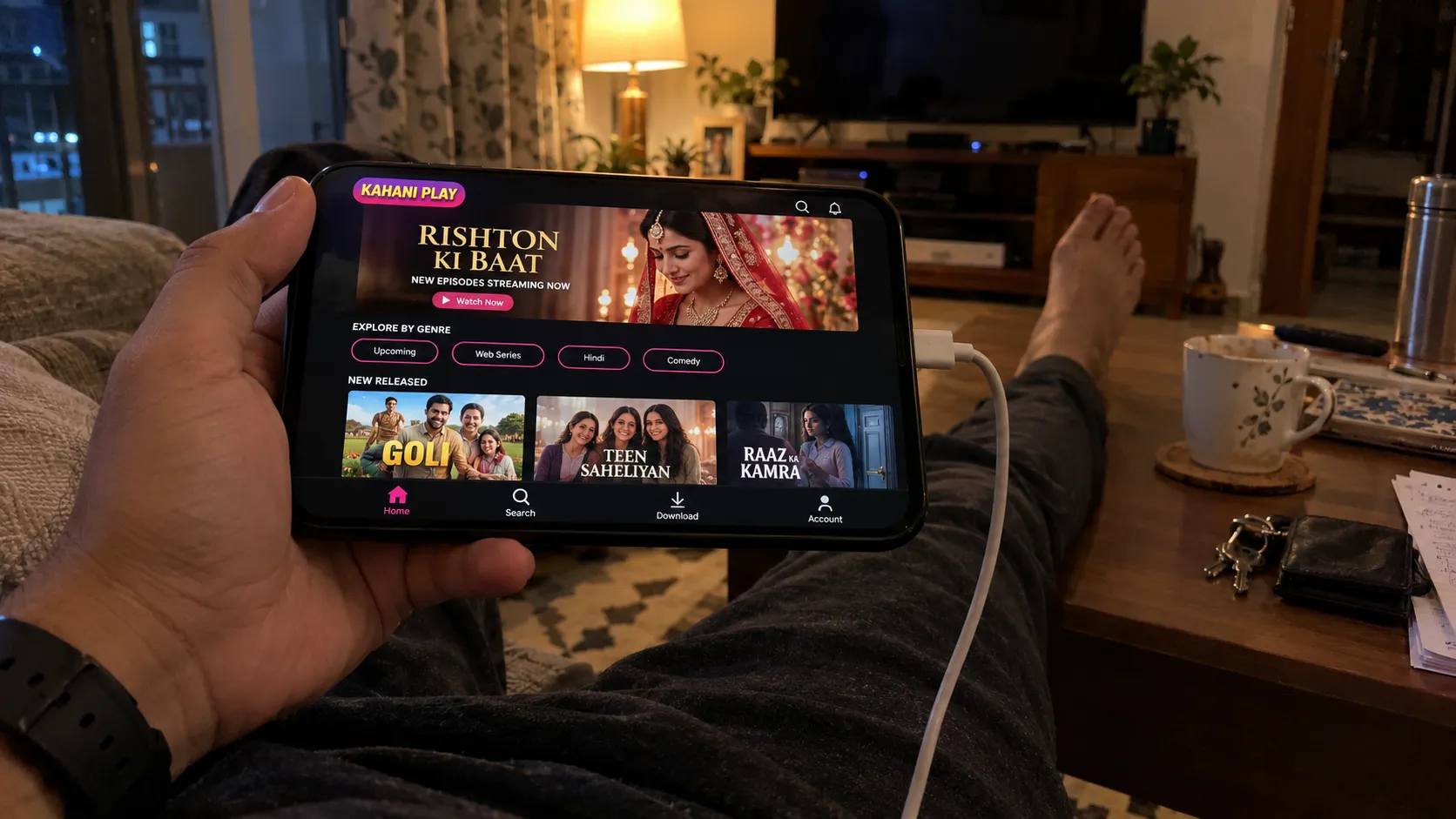
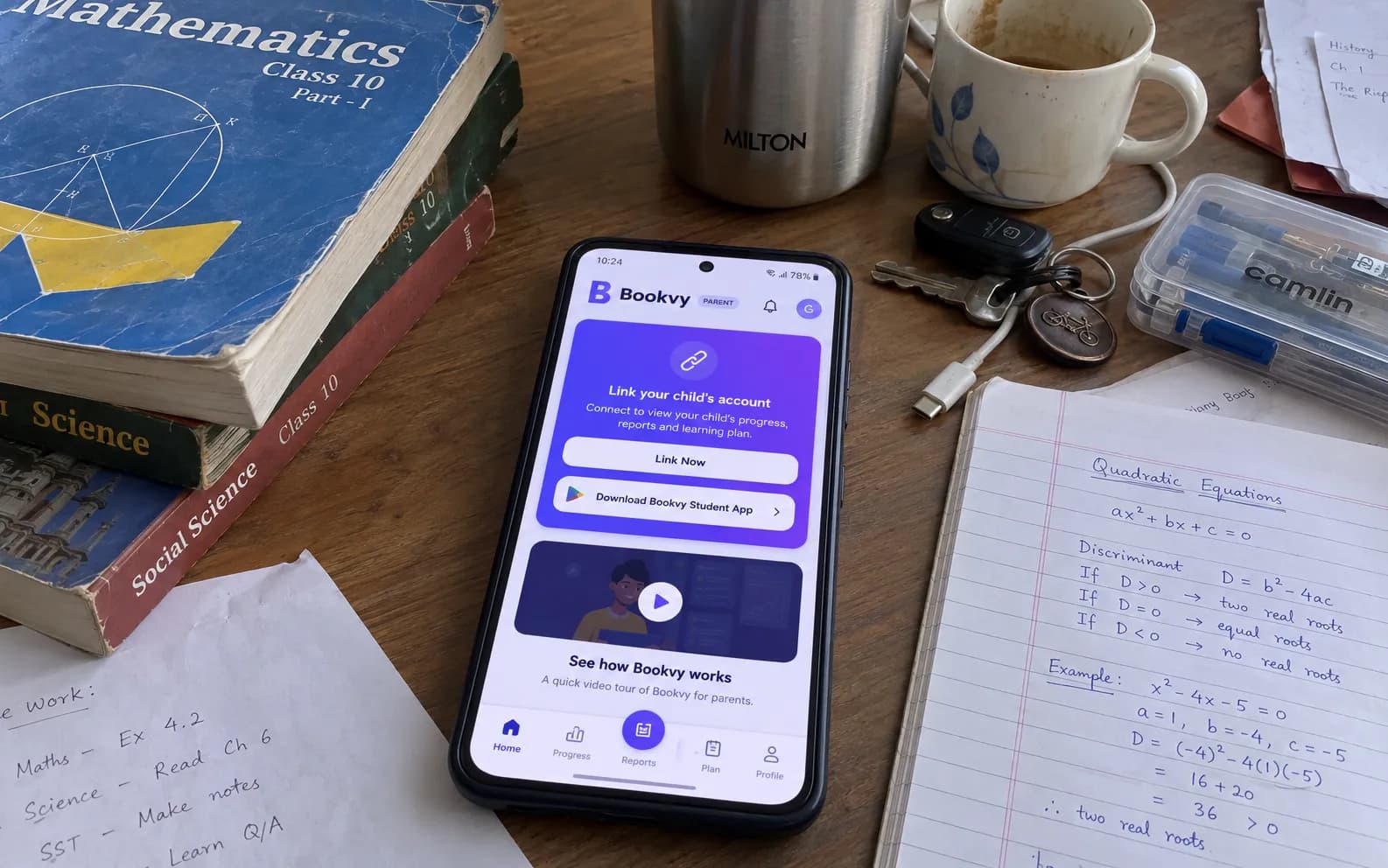
Kahani Play is the clearest example from my own work. It is a Flutter streaming app for Indian movies, web series and short clips, with offline downloads and subscriptions. Downloads and a fast player are the product, and a website could not have done that job. Bookvy, with video lessons, notes, tests, an AI tutor and a separate parent app, is mobile-first for the same reason: students study on their phones.
If you're going app first, building with Flutter gets you iOS and Android from one codebase. That is what my Flutter app development work covers.
When to build both, and the web-first path
Many products end up with both, because different users need different things. A marketplace or platform often has a public website for search and sign-ups, a web portal or admin panel for the business side, and an app for the people who use it every day.
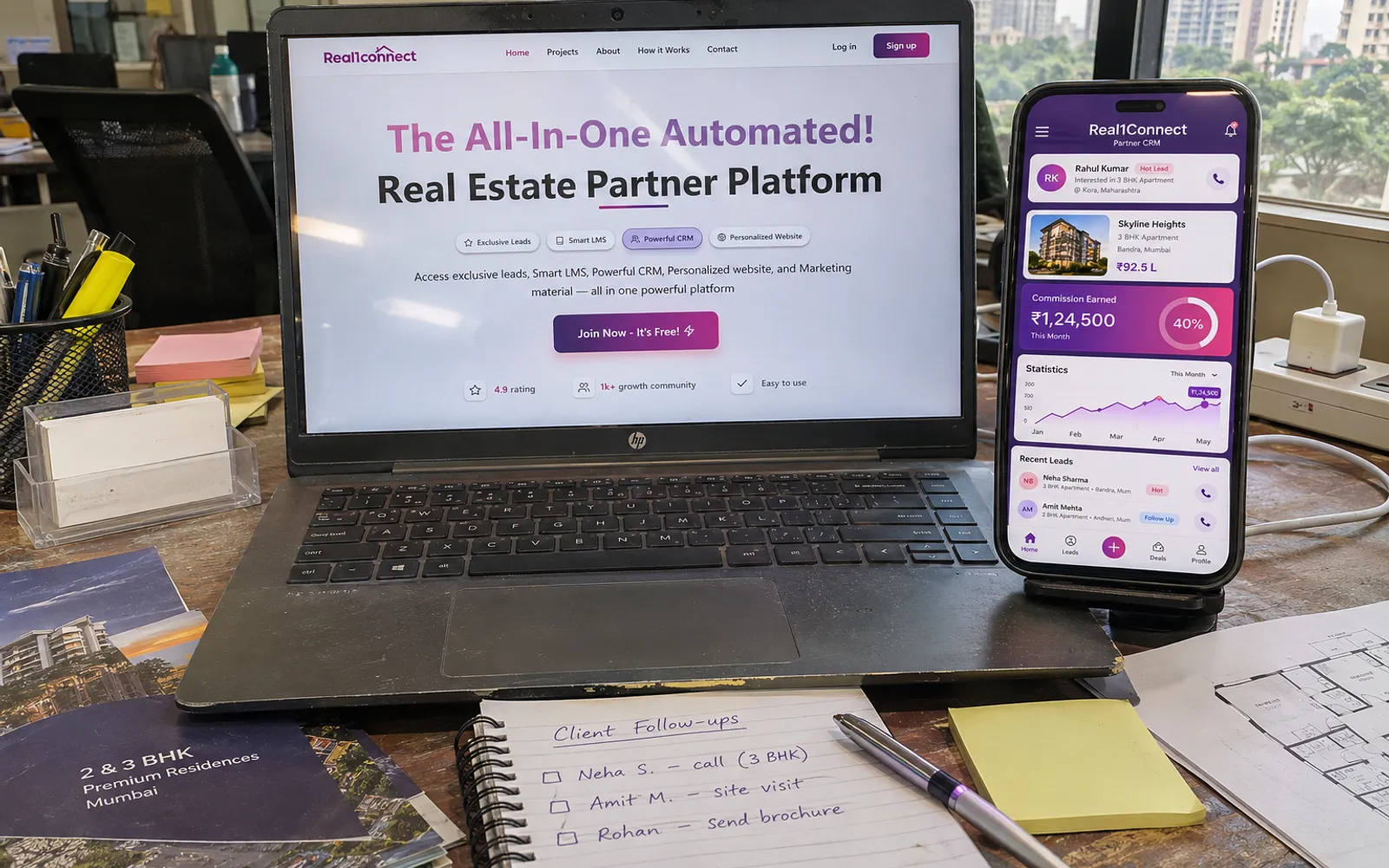
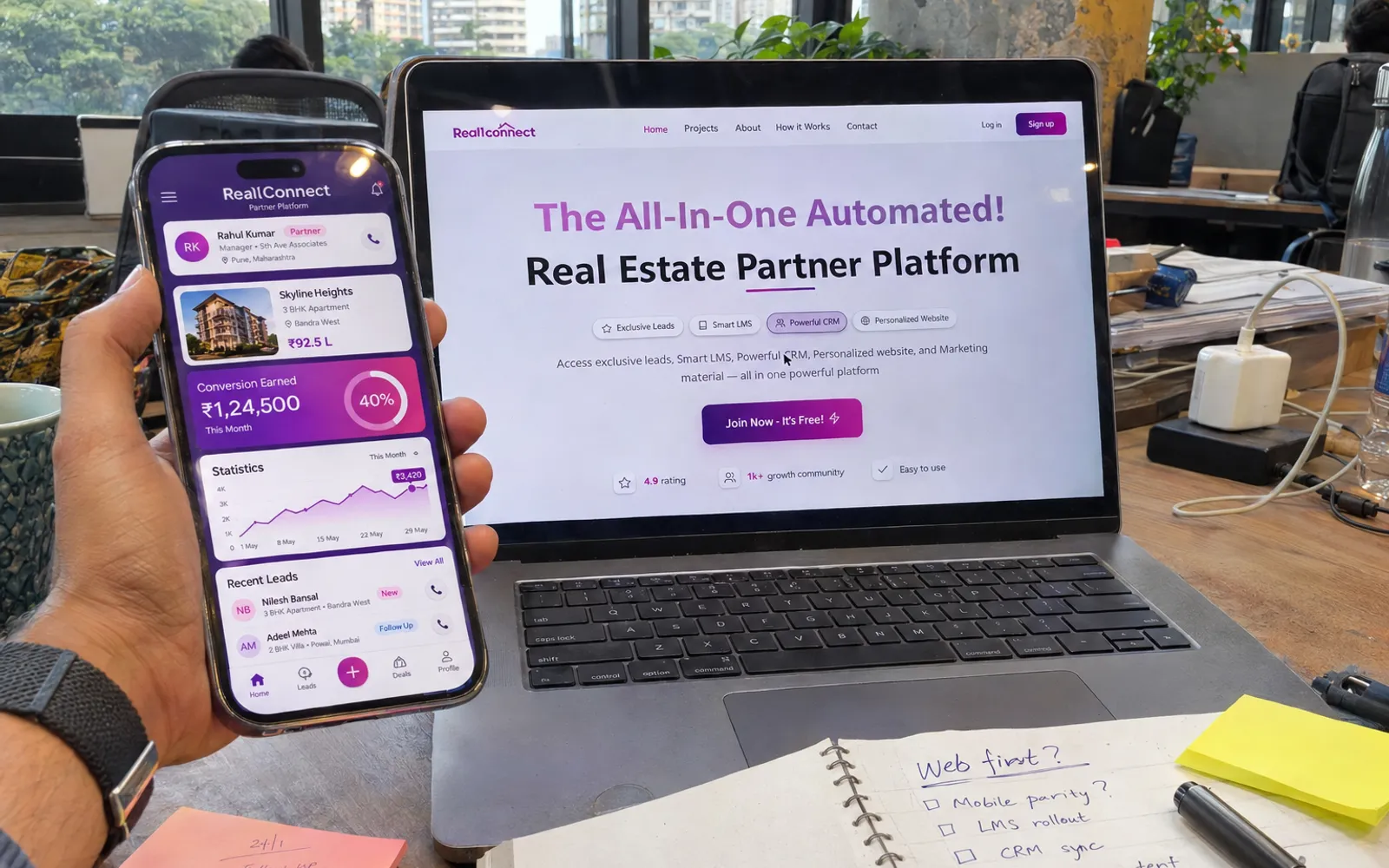
Real1Connect is a good example. It is a platform for real estate channel partners, with a Next.js website, a broker portal, a React admin panel and a React Native app, all running on eight Node.js services. I was a full-stack developer on the development team, and my part included subscriptions and branded invoice PDFs, OTP login, notifications and the CMS and SEO behind the public site. You can read the Real1Connect case study for the details.
What makes a setup like that workable is one shared backend. The website, the portal and the app all call the same API, use the same login, and read the same database. Subscriptions, notifications and reports are built once, and every client gets them.
That is also why the path I'd recommend for most products that will need both is web first, then app:
- Design the backend as an API from day one, not as pages glued to a database. Login, payments and data live behind clean endpoints.
- Launch the web app on that API. Learn which features people use and what they'll pay for.
- Build the mobile app against the same API, covering only the flows people repeat daily.
- Add app-only features such as push reminders, offline mode and camera, where they earn their place.
Done this way, the app costs noticeably less than starting from scratch, because the backend, billing and admin work already exist. Those are often the larger share of the build. If the backend is the part you need help with, my MVP development work starts with exactly that scoping.
If you might ever have both a website and an app, ask for an API-first backend in version one. It costs little extra up front and saves a rebuild later.
Is a PWA enough?
Sometimes. A PWA is a sensible middle step when you want a home-screen icon and basic offline support without the cost of a store app. Internal tools, field-staff apps, ordering systems and simple booking flows often never need more.
The gaps show up on iPhones. Users have to add the PWA to their home screen by hand, push only works after that, background tasks are limited and storage can be cleared by the system. There is also no store listing, which some users see as a sign the product isn't serious.
My rule: if you'd be happy with a website that remembers the user and works on a slow connection, a PWA is fine. If you need reliable push, downloads or deep device features, build a proper app.
A checklist for deciding
Go through these with your own product in mind. More yes answers in the first group point to web first, more in the second point to an app.
- Web first: used mostly on laptops, opened weekly rather than daily, found through Google, sold as a digital subscription, still changing every week, or needed for business users and admins.
- App first: used daily, relies on push reminders, needs the camera, location or offline downloads, used mainly on phones, or your audience expects a store listing.
- Both: two kinds of users (for example customers on phones and staff on laptops), or a public site that has to rank plus a daily-use tool.
- Budget check: if you can afford only one, build the one your daily users need and keep the backend API-first.
- Timeline check: if you need to be live in weeks and change things daily, the web gets you there with no review queue.
For the scoping step that comes next, my MVP app development guide covers the cut list, the week-by-week plan and typical costs.
If you'd like a second opinion on your own product, send me a short description of who uses it and how often. I reply within one working day, and I'll tell you which one I'd build first and what it would cost.